Release notes
Cleanyourtv App v0.4.6
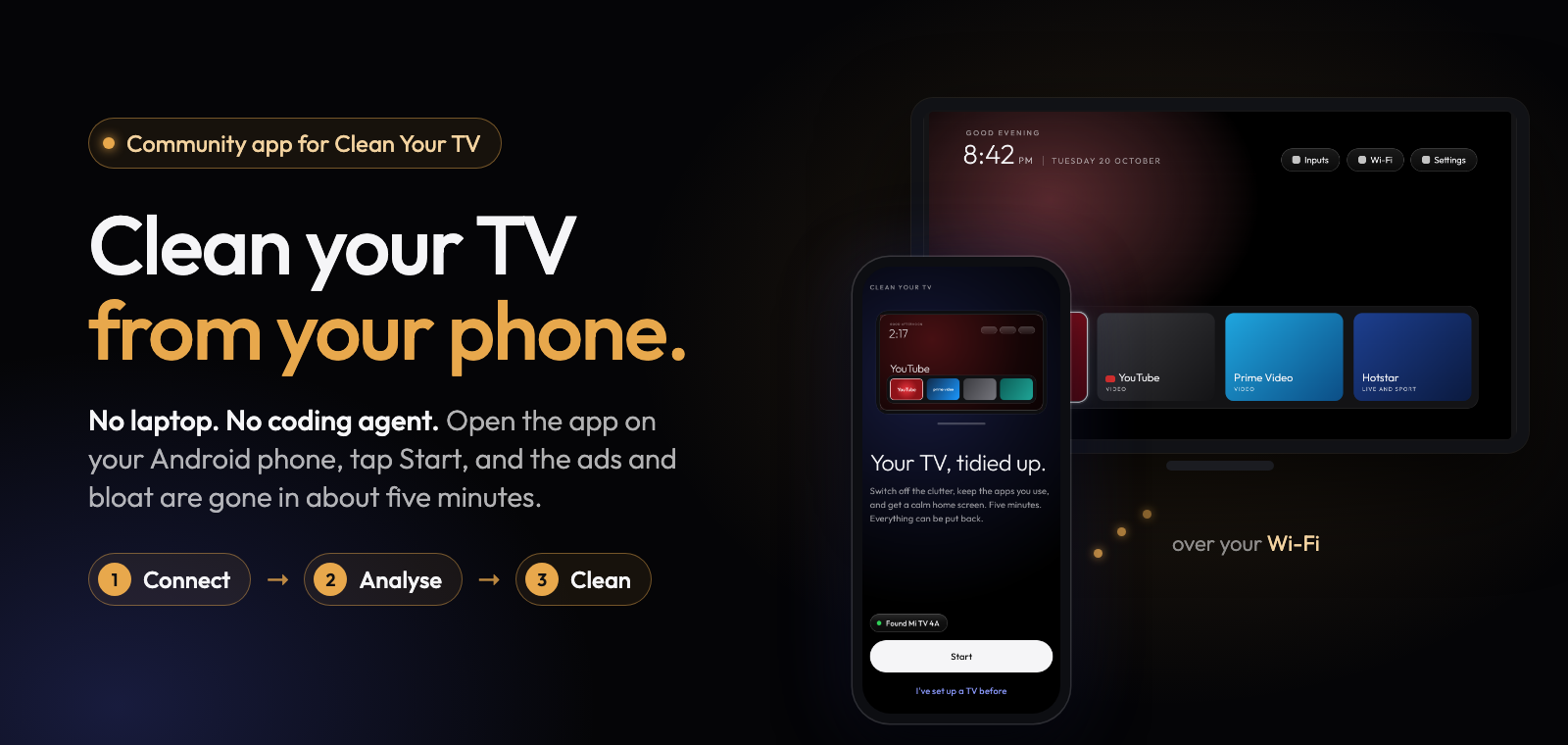
Clean Your TV app 0.4.6 gives Xiaomi and Redmi TVs on Google's Android TV home the new home screen, adds a one-tap "Report a problem" button, and makes the home screen switch safer, with fixes that came straight from testers' reports.
What's new
- The new home screen on Xiaomi and Redmi TVs on Android 9, 10 and 11 that have no list of their own, such as the Mi TV 4i. Their setup wizard stays on and your Wi-Fi isn't touched. A Xiaomi TV with a home screen app you installed yourself gets it too, and your app stays installed.
- Report a problem on every stop, timeout, paused change and connect problem. One tap opens a ready-filled GitHub issue in your browser, so there's nothing to paste. The app itself still sends nothing: nothing is public until you post it.
- Run Setup again. If an earlier version left your home screen alone, for example before your TV had a list of its own, Manage now says so and offers to run Setup again.
- Honest reasons. When another home screen app or a vendor service is why the app left the home screen alone, Setup and Manage say exactly that.
Safer home screen switch
- TVs where a vendor service also answers the Home button keep their own home screen. One such TV failed to start after its home screen was switched in a test build.
- On Xiaomi TVs, Mi TV+ and PatchWall's web content stay on while PatchWall stays on, because PatchWall can open at start-up. If an earlier version switched them off, Setup switches them back on before it changes the home screen.
- Each time you open Manage, the app checks the Home button again and tells you if the TV's setup wizard could take it.
- Right after the switch, if the TV brings up Live TV in front of the new home screen, the app presses Home again for you.
Fixes
- Manage, the Restore point page and Done all show the restore point that "Undo everything" goes back to.
- Manage no longer stays on "Working" after "Stop and undo".
- Reports fold repeated connection retries into one line, so more of what happened fits.
- The home screen switch no longer stops before it starts when the TV's screenshot is large (a 4K screen, or a detailed wallpaper). A safety check refused screenshots over 2 MB, nothing was changed, and the old home screen came back after a restart. Reports now also say which check stopped a switch, and why the TV refused a step.
Known issue
- On some TVs (seen on Xiaomi and TCL with Android 11, and Android 14 boxes) Android doesn't let the app copy the look and wallpaper into the new home screen. The new home screen works with its default look, nothing else changes, and the fix comes in 0.4.7.
Full list of changes: CHANGELOG.md.
Install
Download cleanyourtv-0.4.6.apk below and open it on an Android 9 or newer phone with a screen lock, on the same Wi-Fi as your Android TV, Google TV or Fire TV. It installs over any earlier version, including the 0.4.6 test builds, and keeps everything. If the app opens Manage for your TV, tap Run Setup again to use what's new.
Verify
- SHA-256:
a648dbd977e6b653c7ae7ad521d938102184f89b293add08dc1cd2c13f2cafa2 - Signer certificate SHA-256:
eaf7af3867bb29ff4bb038854842c93f42ffe4198a087e611cb18f925201cd65(apksigner verify --print-certs cleanyourtv-0.4.6.apk) - Reproducible: the unsigned build is
5d877ced402f48795b55e7e04e8f5d518c998db50e096d4bf2a654f37e1e27ac, the same from two clean builds;scripts/verify-release.shchecks that this APK is that build plus a signature. - Commit
6dbb574a, upstream Clean Your TVb06ab21(home screen 3.0).
Credits
A community-built phone app for Clean Your TV by Gathin, used with his permission. The home screen and the TV lists come from Clean Your TV and its community. Thank you to the 53 people who tested the app on their own TVs this week: every fix above started with one of your reports.