Release notes
Cleanyourtv App v0.3.6
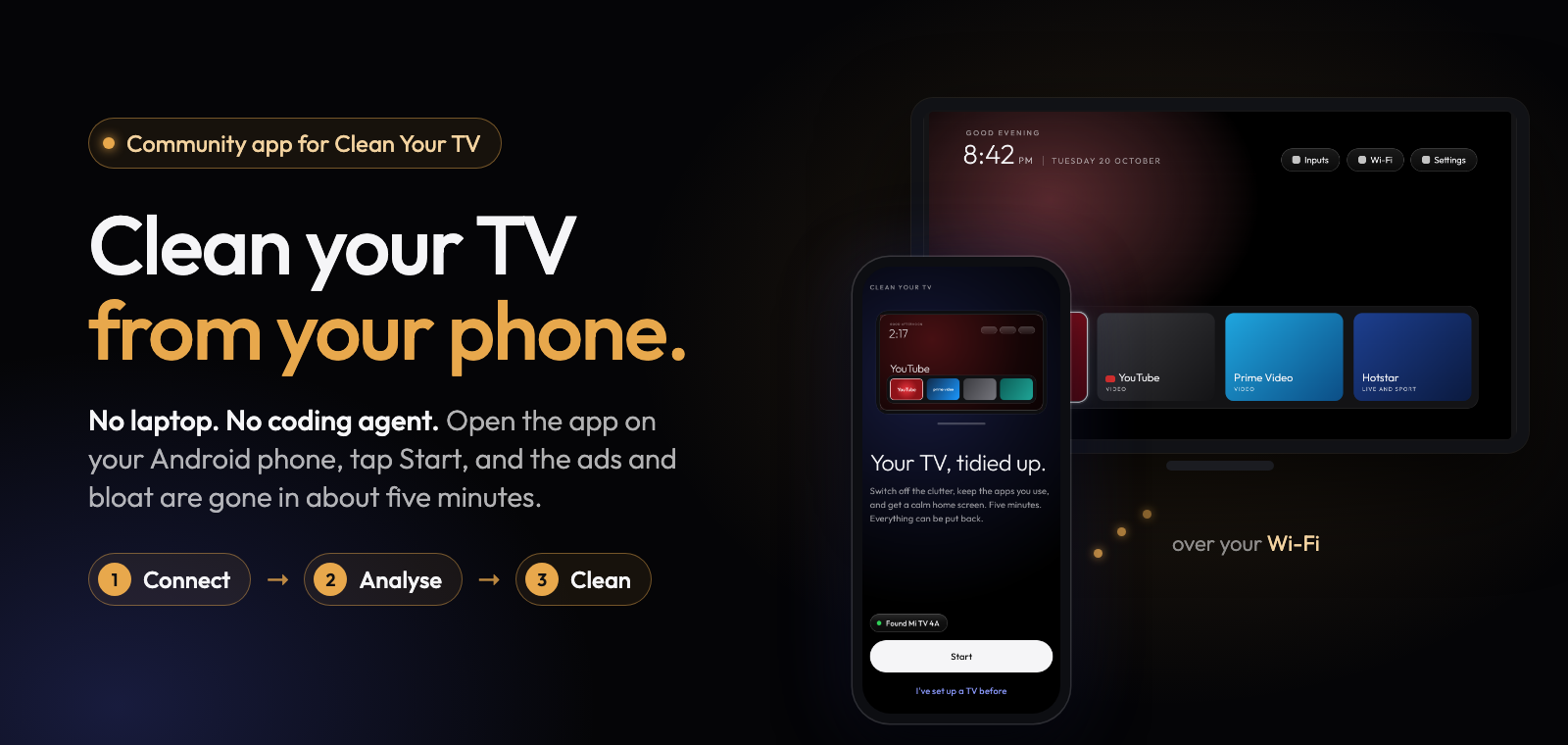
Clean Your TV app 0.3.6 fixes TVs that got stuck after a home screen switch rolled back and the install that kept saying the TV stopped answering. Thank you to everyone who sent a report and a log: each of these fixes starts from one.
What's new
- No more stuck Setup after a rollback. When the home screen switch rolled back, Setup offered "Try with the wizard off", which saved a choice that every later plan refused, and Back led to Welcome instead of the TV's restore options. That card is gone, saved choices the TV would refuse are dropped before planning, and Back on a refused plan opens Manage for a TV this app already changed (#375, #385).
- No more endless "TV stopped answering" during an install. Some TVs end the app's install with an error while staying connected. The app now checks whether the install landed: done if it did, otherwise that step fails and Setup carries on with the clean-up, without the home screen switch (#80, #364, #367).
- A heads-up on TCL Google TV. Before the switch, the plan screen and Manage > Home screen say that the remote's Settings (gear), Netflix and YouTube buttons don't work with the new home screen, and that Use the TV's own home screen brings them back (#275).
- A stricter safety rule for the setup wizard. The home screen switch is never planned while the TV shows a setup wizard that can take the Home button and the switch would leave it on, also on TVs with an exact list such as the Sony BRAVIA BF1. Those TVs get the clean-up alone. The TCL G10 Google TV list switches the wizard off as part of the switch, so it keeps its switch.
- Reports list what was switched off. The problem report now has "Switched off by this app", so a reply can say exactly what to put back.
- Better logs, and Copy error. The diagnostics log now says why a connection failed, what the TV showed when the home check rolled back, and the step the switch stopped at. When the TV answers but the phone can't connect, the door says what on the phone can block the app (a per-app network limit on MIUI or Samsung, a VPN, Private DNS, mobile data) and offers Copy error: a short summary with no addresses in it, ready to paste into an issue.
Full list of changes: CHANGELOG.md.
Install
Download cleanyourtv-0.3.6.apk below and open it on an Android 9 or newer phone with a screen lock, on the same Wi-Fi as your Android TV, Google TV or Fire TV. It installs over any earlier version and keeps everything.
Verify
- SHA-256:
06865e26ac640b51b54540de5a650cb581e17105ca140ac100852b7bc803f62f - Signer certificate SHA-256:
eaf7af3867bb29ff4bb038854842c93f42ffe4198a087e611cb18f925201cd65(apksigner verify --print-certs cleanyourtv-0.3.6.apk) - Reproducible: the unsigned build is
0643473db4068c8ca15fa520e573609267beac83fd85ffab6a9ff0baf194f384, the same from two clean builds;scripts/verify-release.shchecks that this APK is that build plus a signature. - Commit
cb5e8c4, upstream launcher v2.5.0 (9071ec8).
Credits
A community-built phone app for Clean Your TV by Gathin, used with his permission. The home screen and the TV lists come from Clean Your TV and its community.