Release notes
Cleanyourtv App v0.4.5
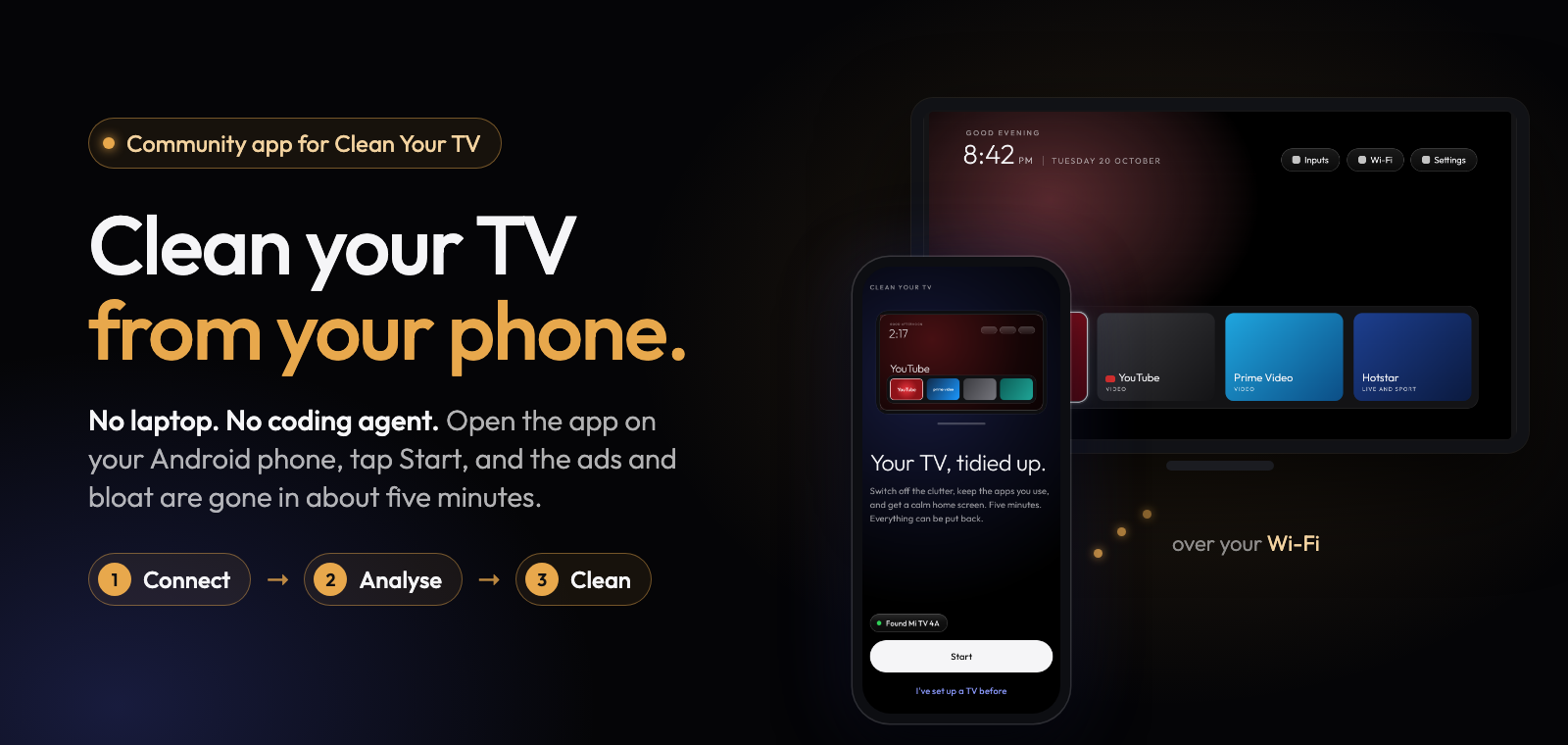
Clean Your TV app 0.4.5 brings the 3.0 home screen from Gathin's Clean Your TV, more choices in the Look sheet, 25 more TV lists (173 in all), and fixes for phones on Android 9 to 12 that could not connect to a new TV.
What's new
- Home screen 3.0. A TV that has the home screen from an earlier version sees "Update the home screen" in Manage. Nothing changes until you tap it, and the update keeps your look, your dock and your remote buttons.
- More Look options on home screen 3.0: every app in one row, a dock with no band, the greeting on or off, the date under the clock, a brighter date, a warning colour on the Wi-Fi icon when the internet is down, app tiles as icons on cards, and a rim or halo highlight. The preview shows each one before anything reaches the TV, and looks you already sent stay exactly as they are.
- 25 more TV lists from Clean Your TV, among them NVIDIA SHIELD TV (2017), Philips Google TV TA1 and TA7, Sony BRAVIA VU1 and VU3, TCL G08 (EU, Android 12), OnePlus TV (Cebu and Dosa), Xiaomi Mi Box S (Android 12) and several Xiaomi Mi TVs. The Sony BRAVIA BF1 list now matches BF1 sets, and lists we already had got their contributors' fixes.
- Better back on. If this app switched off something a TV's list now keeps on, like a TCL remote's mic service, Manage says so and offers to switch it back on.
- PatchWall on Xiaomi TVs is now your choice, so the remote's PatchWall button keeps working.
Fixes
- Phones on Android 9 to 12 can connect to a new TV again. The TV never showed Allow and the app said "unreachable". Saving a restore file on phones below Android 15 is fixed too.
- Some TCL Smart TV Pro sets on Google TV got a list made for the Android TV version, so the app left their home screen alone. They now get the right set.
- Connection errors say what went wrong instead of "unreachable". A TV that leaves the Wi-Fi mid-run pauses the run instead of hanging.
- "Try again" after a home screen check that timed out now really tries again, and the last screen says honestly when the home screen stayed.
- Safer undo: "Undo everything" is no longer refused for protected apps, never switches accessibility on, and never treats a chooser screen as your home screen.
Full list of changes: CHANGELOG.md.
Install
Download cleanyourtv-0.4.5.apk below and open it on an Android 9 or newer phone with a screen lock, on the same Wi-Fi as your Android TV, Google TV or Fire TV. It installs over any earlier version and keeps everything.
Verify
- SHA-256:
81b865c2e03212be6165ae46a0ee5c76e8e5efb76859d6caef96fb9c1629774e - Signer certificate SHA-256:
eaf7af3867bb29ff4bb038854842c93f42ffe4198a087e611cb18f925201cd65(apksigner verify --print-certs cleanyourtv-0.4.5.apk) - Reproducible: the unsigned build is
a28aa739864b61c4086e22fa6f1e79e1f621baa4833a89d8bca9e594e889f5de, the same from two clean builds and from F-Droid's own build server;scripts/verify-release.shchecks that this APK is that build plus a signature. - Commit
bc81dba8, upstream Clean Your TVb06ab21(home screen 3.0).
Credits
A community-built phone app for Clean Your TV by Gathin, used with his permission. The home screen and the TV lists come from Clean Your TV and its community. Thank you to the people who tested the app on their own TVs.