Release notes
Cleanyourtv App v0.4.0
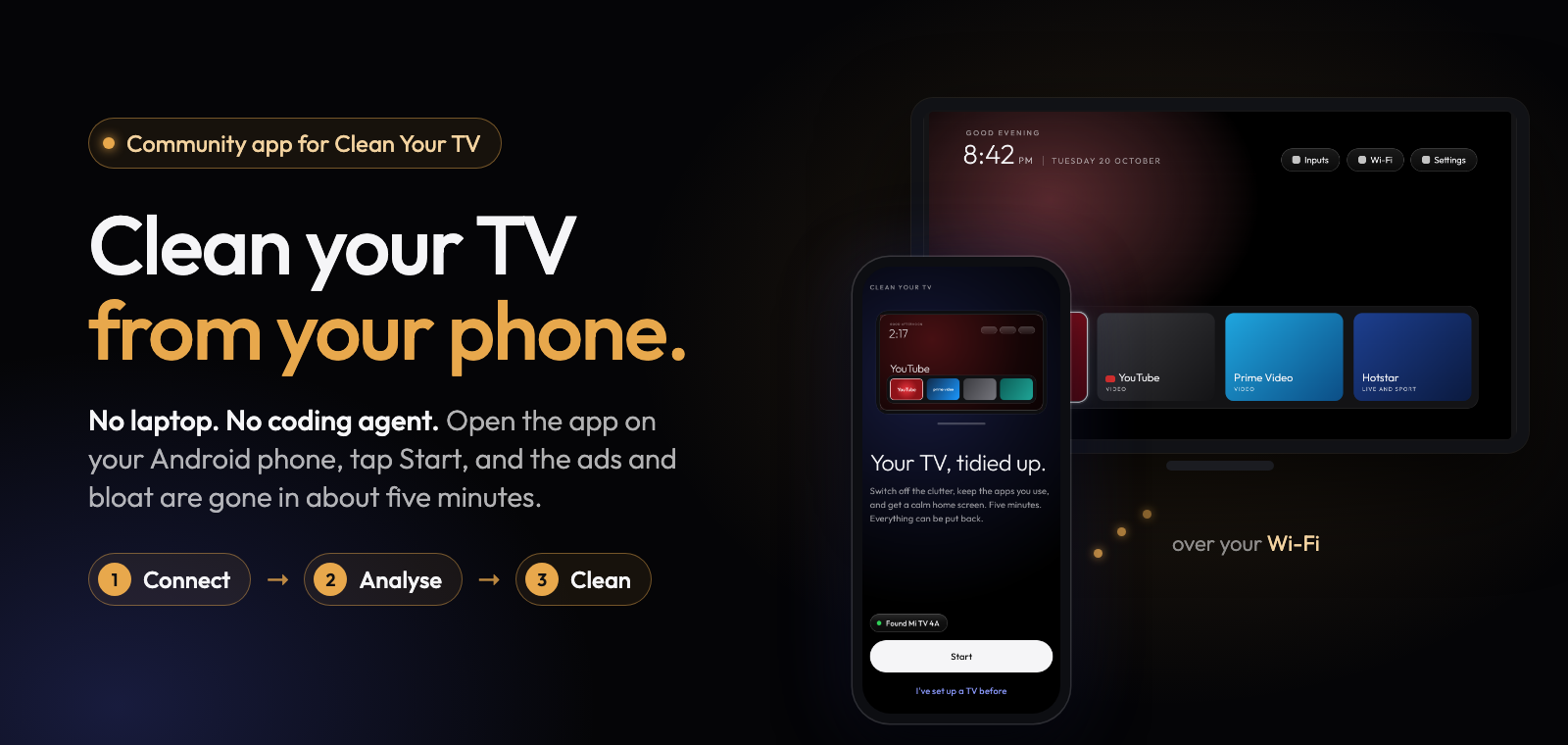
Clean Your TV app 0.4.0 brings a new Look sheet for your TV's home screen: pick a picture, one of five styles and how many apps sit in a row, and see your own TV in a preview before anything reaches it.
What's new
- Five styles, each shown as a small preview of your TV with your picture: Classic (a dark dock, a big name and a soft glow), Glass (a frosted dock and light in each app's colour), Spotlight (a big banner of the app you are on, with the app's colour across the top), All apps (every app in one grid) and Calm (no glow and no big name, just apps and your picture).
- Pictures for any style: Mist, Aurora, Navy, Autumn lake, Curtains, Mountains (with a sky that changes with the hour), Lamp light, Neon, Cobalt, no picture, or your own photo, cropped on the phone. Diwali is there until 10 November, with its lamps and festive icons. The pictures are our own work, free to use (CC0).
- 4 to 8 apps in a row. Fewer apps means bigger tiles. "Names under every app" puts each app's name under its tile, easier to read from the sofa.
- More options: how the highlight moves (Lively, Smooth, Quick or Off), the big name, the glow, a ring in the app's colour, the dock band (solid, see-through or glass), the buttons at the top and a green Wi-Fi icon. Advanced has lift and zoom, see-through amount, sky strength and the settings file itself.
- Nothing is sent until you tap "Put it on the TV". "Undo changes" takes the sheet back to how it opened, and "Put back the earlier look" brings back the look the TV had before your last send.
- Your dock keeps its order when you go to fewer apps in a row, and empty spaces stay empty on the TV.
- Setup's Look step is the same sheet, with Done at the bottom.
- A look you picked before this version stays on the TV exactly as it is until you send a new one.
- TCL: picking TCL under "Change model" now asks whether the TV's menus are in English (or your language) or in Chinese, so TCL TVs sold outside China get the right steps to connect.
Full list of changes: CHANGELOG.md.
Install
Download cleanyourtv-0.4.0.apk below and open it on an Android 9 or newer phone with a screen lock, on the same Wi-Fi as your Android TV, Google TV or Fire TV. It installs over any earlier version and keeps everything.
Verify
- SHA-256:
a8282d5a1c40156aabde1be5b60bc96875e7b516358615fda42431001dcefb84 - Signer certificate SHA-256:
eaf7af3867bb29ff4bb038854842c93f42ffe4198a087e611cb18f925201cd65(apksigner verify --print-certs cleanyourtv-0.4.0.apk) - Reproducible: the unsigned build is
78a1fb59de125d11f605d4cef0216748a6318c20454e74e15eefcc43ab4a6947, the same from two clean builds;scripts/verify-release.shchecks that this APK is that build plus a signature. - Commit
e42aaf2, upstream launcher v2.7.0 (3e34f40).
Credits
A community-built phone app for Clean Your TV by Gathin, used with his permission. The home screen and the TV lists come from Clean Your TV and its community.