Release notes
Cleanyourtv App v0.3.7
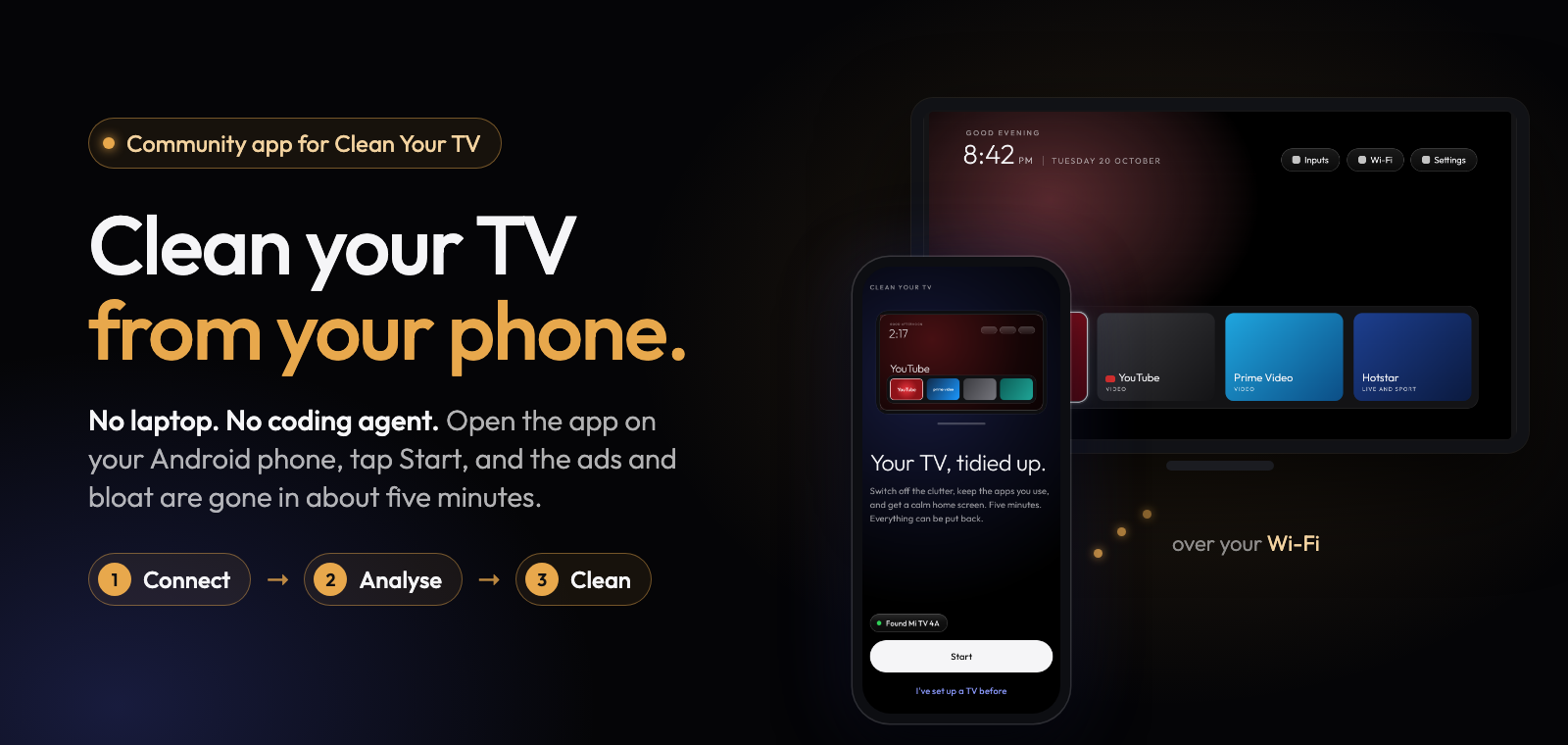
Clean Your TV app 0.3.7 brings tested lists for 17 more TVs, the home screen app 2.7, and more apps this app never switches off. Thank you to Gathin for the lists, and to everyone who tested one on their TV and sent a report: each of these lists starts from one.
What's new
17 more TVs with a tested list, 148 in all, from the lists of Clean Your TV v2.7.0:
- Amazon Fire TV AFTDEC012E (#65, #76)
- Chromecast with Google TV HD (#239)
- Hisense SmartTV 4K FFM on songshan, also the Hisense 50A6H4 (#63, #68, #69, #107, #110, #146, #289)
- Hisense SmartTV 4K FFM on lushan (#52)
- Karbonn SWTV-20AE (#81)
- OK. AI PONT (#165, #179, #256)
- Philips 50PUD7406 and 55PUS7906 (#13, #39, #75, #266)
- Skyworth SW-22SA (#89)
- Skyworth SWTV-22AE-FHD (#185, #215, #216)
- Sony BRAVIA 4K UR3 (#42, #73, #90, #113, #228, #246, #255, #269)
- Sony BRAVIA 4K VH1 (#142, #143, #155, #178, #233, #268, #274)
- Sony BRAVIA KD-43X80L (#46, #124, #293)
- Xiaomi Mi Box 3 (#199, #224, #273)
- Xiaomi MiTV-MFTR0 (#193, #249)
- Xiaomi TV S Mini LED 75 2025 (#128)
- Xiaomi Mi TV P1 43 (#184)
- Xiaomi MiTV-MSSP1 (#57, #58, #78, #176)
The Fire TV AFTDEC012E, the MiTV-MFTR0 and the Chromecast with Google TV HD get the clean-up and keep their own home screen: Fire OS keeps its Home, the app does not know the MFTR0's China home screen, and on the Chromecast the switch would cost casting after every reboot.
Updated lists. Ten lists changed upstream and follow it, among them the Hisense SmartTV 4K FFM, the Sony BRAVIA 4K UR2 and VH2, the TCL G05 and G09 Google TV and the Xiaomi TV A Pro 2026. The Xiaomi MiTV-AESP0 list keeps its setup wizard on, as in 0.3.6. Hisense TVs without an exact list also switch off Google partner setup and Calendar sync.
The home screen app 2.7. With its default settings the TV looks as before, with fixes: the network pill shows the VPN badge right away, the dock's corners follow its tiles, Launcher settings changes apply when you leave with Home, and the quick settings no longer crash on Android 8.0. It also speaks Ukrainian. Its new options are all off by default; the app lets you choose them in a later version. A TV set up with an earlier version is offered "Update the home screen" in Manage.
More apps that are never switched off. By any list, also during the home screen switch: vendor setup wizards (OnePlus, Xiaomi and Android's device provisioning), vendor home screens (Haier, OnePlus), TalkBack and Google's text-to-speech, the Sony accessibility tutorial and the TCL hearing aid, the remote's services (the Google TV remote service and its logger, Sony remote start and the OnePlus remote diagnosis), the Xiaomi TV service and TCL Live. When a vendor setup wizard comes up after the Home key during the switch, the switch rolls back. More TV software updaters are "Software updates" rows, which stay on in Simple.
Full list of changes: CHANGELOG.md.
Install
Download cleanyourtv-0.3.7.apk below and open it on an Android 9 or newer phone with a screen lock, on the same Wi-Fi as your Android TV, Google TV or Fire TV. It installs over any earlier version and keeps everything.
Verify
- SHA-256:
9793f09150a553771a1a0ce2a7bac76f93766f7689d4e5fcb46ee6c8ab4d945b - Signer certificate SHA-256:
eaf7af3867bb29ff4bb038854842c93f42ffe4198a087e611cb18f925201cd65(apksigner verify --print-certs cleanyourtv-0.3.7.apk) - Reproducible: the unsigned build is
e3305dc84e49d8f374e0242c703358a3c000f5ec8535c5c7fdf80e66ab991dd4, the same from two clean builds;scripts/verify-release.shchecks that this APK is that build plus a signature. - Commit
82a561c, upstream launcher v2.7.0 (3e34f40).
Credits
A community-built phone app for Clean Your TV by Gathin, used with his permission. The home screen and the TV lists come from Clean Your TV and its community.