
Skill · #383 trending skills repo
NexcoreMultimodalSkill
yan-stone-computer/NexcoreMultimodalSkill
NexcoreVision OCR + CNN + VLM evidence architecture, consent-gated local ComfyUI/Qwen deployment, and Agnes media generation in one Agent Skill.
- Stars
- 17
- This week
- +0
- Forks
- 1
- Open issues
- 0
- Skills inside
- 1
Get started
Install the skills
npx skills add yan-stone-computer/NexcoreMultimodalSkillInstalls into Claude Code, Codex, Cursor, OpenCode and the other agents it finds on your machine.
git clone --depth 1 https://github.com/yan-stone-computer/NexcoreMultimodalSkill.git /tmp/nexcoremultimodalskill
cp -r /tmp/nexcoremultimodalskill ~/.claude/skills/nexcoremultimodalskillClaude Code reads ~/.claude/skills/ (or .claude/skills/ in a project). Other agents read the same SKILL.md format from their own skills folder.
Inside this repo
1 skill
Documentation
README
NexcoreMultimodalSkill
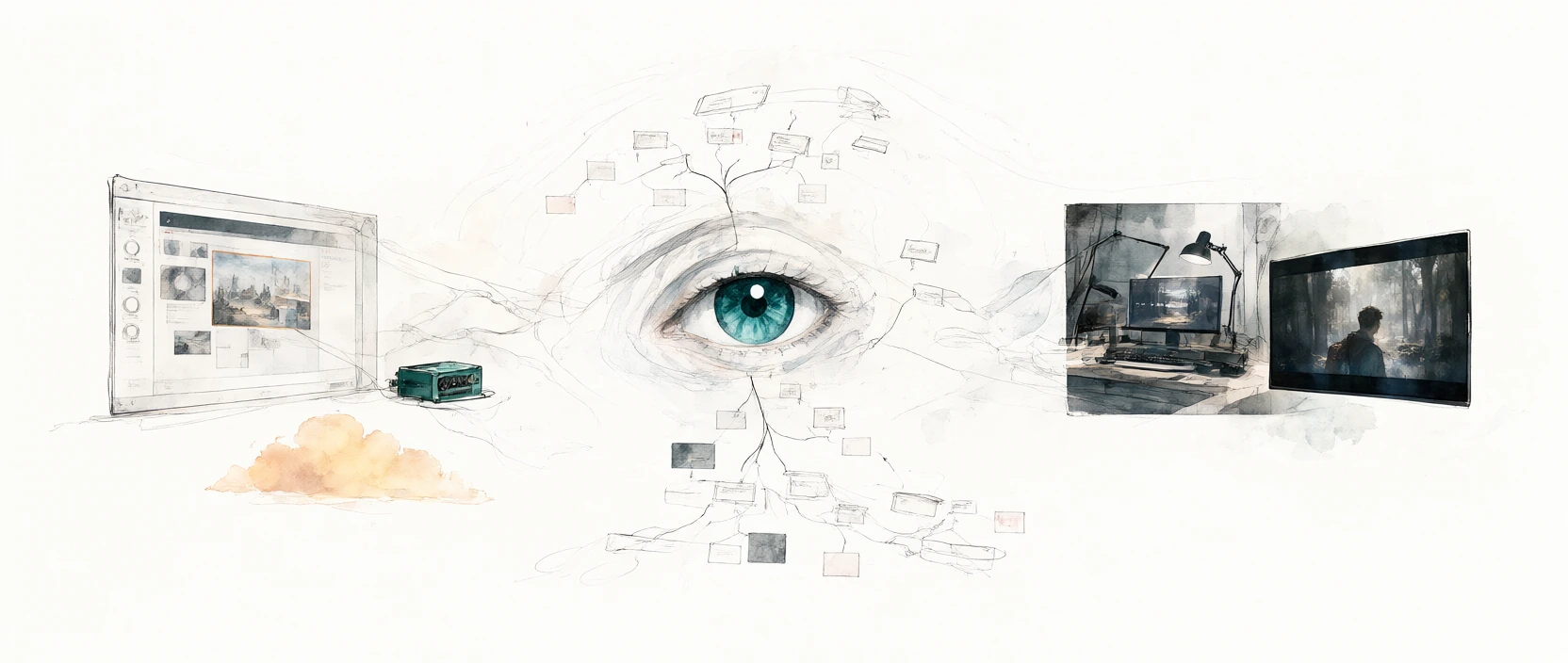
Give text-only agents eyes, an image editor, and a video generator



NexcoreMultimodalSkill combines four capabilities in one Agent Skill:
- Primary visual evidence through
nexcore_vision.py: NexcoreVision runs local OCR, optional local CNN inference, and an independent vision model while keeping each evidence source separate and bounded. - Fallback and document parsing through
vision.py: parse PDFs and Office files or continue with browser and API vision engines when needed. - Media output through
agnes_api.py: generate images, edit images, generate videos, and query asynchronous video tasks through Agnes AI. - Local image generation through
comfyui_local.py: generate or edit images with Qwen-Image-2.1 on the user's own ComfyUI installation.
The CLIs remain separate on purpose. A text-only agent gets a small, explicit choice between visual inspection, local Qwen generation/editing, and Agnes media generation.
Quick start
git clone https://github.com/yan-stone-computer/NexcoreMultimodalSkill.git
cd NexcoreMultimodalSkill
python scripts/install.py --all
Or install into one platform:
python scripts/install.py --target claude
python scripts/install.py --target codex
python scripts/install.py --target opencode
python scripts/install.py --target cursor
python scripts/install.py --target trae
python scripts/install.py --target workbuddy
Visual evidence architecture
The primary vision path is the bundled NexcoreVision evidence architecture: the NexcoreVision pipeline. The downstream text model does not receive the raw image by default. It receives a bounded evidence report with OCR, CNN detections, and vision-model claims kept separate.
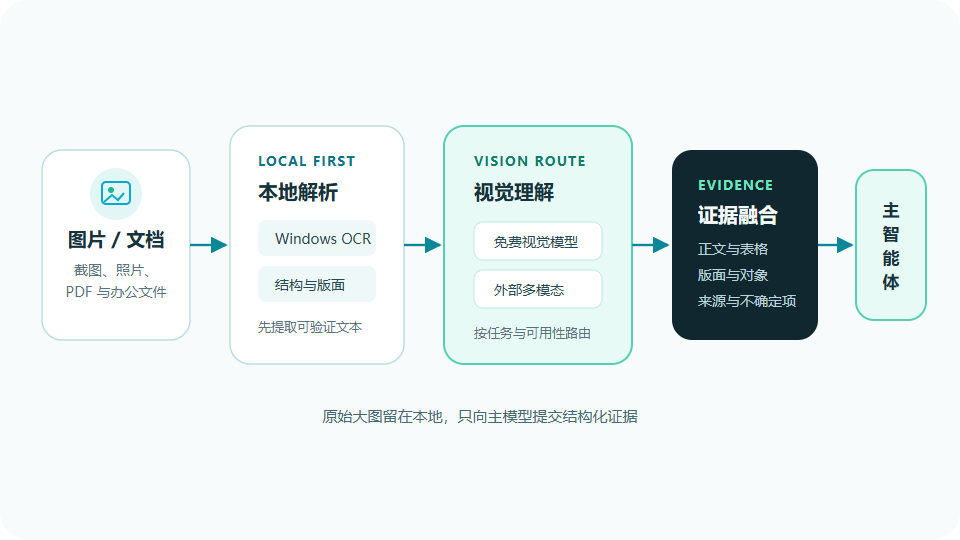
image
  ├─ local OCR ──────── exact visible text
  ├─ local CNN ──────── classes, objects, boxes, image quality
  └─ independent VLM ── layout, relationships, semantics
                         ↓
                 bounded evidence report
                         ↓
                   text-only agent
Requirements: Node.js 22.13+. Local deep vision adds optional Python
torch, torchvision, and Pillow dependencies.
python scripts/nexcore_vision.py health
python scripts/nexcore_vision.py analyze screenshot.png --deep
python scripts/nexcore_vision.py analyze screenshot.png --json \
  --vision-base-url https://provider.example/v1 \
  --vision-model your-vision-model
OCR text wins for literal content, CNN output supplies local object evidence, and the independent vision model handles layout and semantics. Conflicts are kept visible instead of silently merged. Image text is treated as untrusted data, not instructions.
Multi-engine fallback and document parsing
Use vision.py for PDF/Office parsing, browser-driven web engines, or fallback
when Node.js is unavailable:
python scripts/vision.py screenshot.png --prompt "What error is shown and how do I fix it?"
python scripts/vision.py chart.png --prompt "Extract the key values and trends"
python scripts/vision.py before.png after.png --prompt "Compare the differences"
python scripts/vision.py paper.pdf                    # MinerU → Markdown
python scripts/vision.py screenshot.png --json        # Structured result
Images default to browser-driven web engines. When no browser is available or
the web route is unavailable, vision.py falls back through the configured
vision providers and local OCR. Documents route to MinerU.
web → GLM → Qwen → SiliconFlow → Gemini → MinerU → local OCR
Use --engine <name> to force an engine. Use
VISION_ENGINE_PRIORITY="gemini,glm,mineru,local" to change the API fallback
order.
Generate images locally with ComfyUI Qwen
Install and enable the comfyui-qwen-image Agent Skill first. The bridge
auto-discovers that plugin; set COMFYUI_QWEN_CLI if it lives elsewhere. This
repository does not bundle model weights; the setup script can download them
only after the user explicitly approves installation.
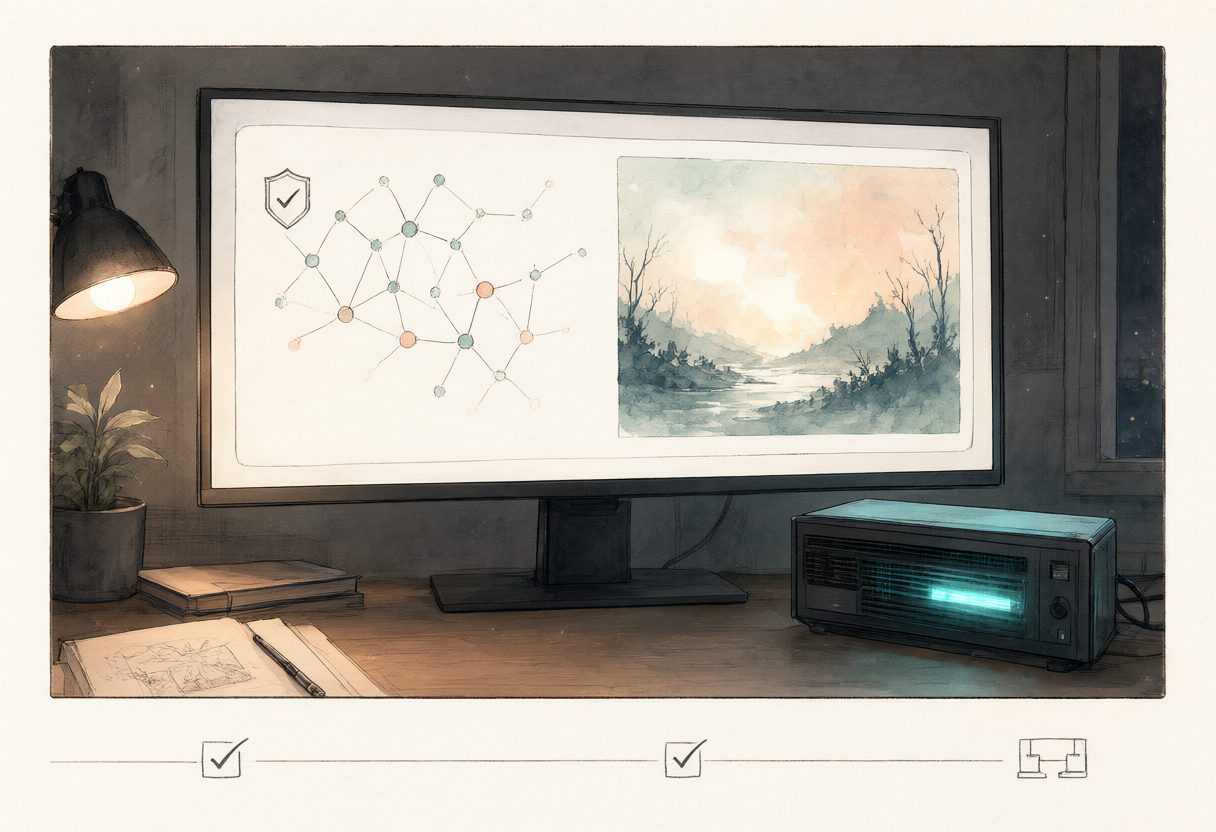
If ComfyUI is not installed
Check the machine before asking the user to download anything:
python scripts/comfyui_setup.py check
python scripts/comfyui_setup.py plan
If the runtime is incomplete, offer the choice between installing the local runtime and using Agnes, then show the install plan when relevant. Only after an explicit yes to local installation run:
python scripts/comfyui_setup.py install --yes
The installer uses D:\ComfyUI by default when the D: drive exists, otherwise
~/ComfyUI. Override it with COMFYUI_ROOT or --root. It:
- clones Comfy-Org/ComfyUI at the tested
v0.42.0tag into an empty target; - creates an isolated
.venv, installs PyTorch and ComfyUI requirements; - installs the
ComfyUI-GGUFcustom node; - downloads three verified Qwen-Image-2.1 files, totaling about
10.4 GiB; - verifies size and SHA-256 before atomically moving each file into place.
Recommended hardware is an NVIDIA GPU with at least 8 GiB VRAM, 16 GiB system
RAM, and 25 GiB free disk space. Existing valid files are reused. A checksum
mismatch aborts instead of overwriting; --replace-bad-models is required to
replace one intentionally. Use --skip-deps or --skip-models for a staged
install. Use --comfyui-ref when another ComfyUI tag is required.
Qwen-Image-2.1 weights use the Qwen Research License. The downloader does not grant commercial rights. Full sources, safety rules, and troubleshooting are in references/comfyui-install.md.
# Check the local service in low-VRAM mode
python scripts/comfyui_local.py health
python scripts/comfyui_local.py start

# Text → image, fully local
python scripts/comfyui_local.py generate \
  "A quiet tea house in the rain, cinematic lighting" \
  --preset standard --width 1024 --height 1024

# Image → image; pass reference images after the edit target
python scripts/comfyui_local.py edit \
  "Keep the face and pose unchanged; turn the background into soft watercolor" \
  --image photo.png --preset standard

python scripts/comfyui_local.py stop
Local defaults preserve --lowvram. Use preview for a quick check, standard
for normal work, and quality only when extra detail is needed. Qwen-Image-2.1
weights follow the Qwen Research License; this project does not grant commercial
rights on the user's behalf.
Configuration can live in the root .env:
COMFYUI_QWEN_CLI=C:\path\to\comfyui_qwen.py
COMFYUI_ROOT=D:\ComfyUI
COMFYUI_URL=http://127.0.0.1:8188
See references/comfyui-local.md for routing, memory-pressure, edit constraints, and output rules.
Generate or edit media with Agnes
Agnes commands require AGNES_API_KEY.
# Text → image
python scripts/agnes_api.py image \
  --prompt "A quiet tea house in the rain, cinematic lighting" \
  --size 2K --ratio 16:9 --download

# Image → image
python scripts/agnes_api.py image-edit \
  --prompt "Transform this photo into a watercolor painting" \
  --image photo.jpg --download

# Text → video
python scripts/agnes_api.py video \
  --prompt "A cat walking on a beach at sunset, tracking shot" \
  --mode text --seconds 5 --aspect-ratio 16:9 --wait --download

# Image → video (use a public image URL)
python scripts/agnes_api.py video \
  --prompt "Animate the waves gently" \
  --mode text --images https://example.com/photo.png --wait --download

# Keyframe animation
python scripts/agnes_api.py video \
  --prompt "Smooth transition from day to night" \
  --mode keyframe \
  --first-frame https://example.com/day.png \
  --last-frame https://example.com/night.png \
  --wait --download
Query an existing video task:
python scripts/agnes_api.py video-status --video-id <video-id> --download
Generated files are saved to the Desktop by default. Override this with
AGNES_OUTPUT_DIR.
API keys
Create .env from .env.example:
ZHIPUAI_API_KEY=
DASHSCOPE_API_KEY=
SILICONFLOW_API_KEY=
GEMINI_API_KEY=
MINERU_TOKEN=
AGNES_API_KEY=
AGNES_BASE_URL=https://apihub.agnes-ai.com/v1
COMFYUI_QWEN_CLI=
COMFYUI_ROOT=D:\ComfyUI
COMFYUI_URL=http://127.0.0.1:8188
COMFYUI_REF=v0.42.0
COMFYUI_TORCH_INDEX_URL=https://download.pytorch.org/whl/cu128
NEXCORE_VISION_ROOT=
NEXCORE_VISION_API_KEY=
NEXCORE_VISION_PYTHON=
NEXCORE_VISION_DEVICE=cpu
TESSERACT_LANGS=chi_sim+eng
At least one relevant provider key is enough for its route. Local OCR and the tokenless limits offered by document providers work without a key. Provider quotas and model availability are controlled upstream and may change.
Persist a key without editing .env:
python scripts/set_key.py glm sk-xxxx
python scripts/set_key.py gemini sk-xxxx
python scripts/set_key.py mineru your-token
python scripts/set_key.py agnes sk-xxxx
python scripts/set_key.py --list
Real environment variables take precedence over .env, which takes precedence
over the persisted key file at ~/.vision-reader/config.json.
Agent integration
The repository contains a standard SKILL.md, so it can be copied into any
platform that supports Agent Skills. The installer also creates native config
files for Codex, OpenCode, Cursor, Trae, WorkBuddy, and Claude Code.
For an agent without a skill loader, provide these command entry points:
python <skill-dir>/scripts/nexcore_vision.py analyze <image> --deep
python <skill-dir>/scripts/vision.py <document-or-url> --prompt "<question>"
python <skill-dir>/scripts/comfyui_local.py generate "<prompt>" [options]
python <skill-dir>/scripts/agnes_api.py <command> [options]
Project structure
NexcoreMultimodalSkill/
├── SKILL.md                     # Agent routing and response rules
├── scripts/
│   ├── vision.py                # Image/document understanding
│   ├── nexcore_vision.py        # Primary evidence-pipeline bridge
│   ├── comfyui_local.py         # Local Qwen-Image-2.1 bridge
│   ├── comfyui_setup.py         # Consent-gated runtime installer
│   ├── agnes_api.py             # Image/video generation and analysis
│   ├── set_key.py               # Persist provider keys
│   ├── install.py               # Cross-platform installer
│   └── engines/                 # Vision providers and local fallback
├── references/
│   ├── web-engines.md           # Browser-driven vision SOP
│   ├── nexcore-vision-architecture.md # Primary evidence architecture
│   ├── comfyui-local.md         # Local ComfyUI routing and constraints
│   ├── comfyui-install.md       # Hardware, sources, install and verification
│   └── agnes-api.md             # Agnes API reference
├── docs/media/                  # Image/video demo assets
├── integrations/nexcorevision/  # Vendored MIT evidence pipeline
├── images/                      # README feature artwork
└── tests/                       # Offline contract and payload tests
Migration notice
This repository replaces:
yan-stone-computer/ModelVisionSkillyan-stone-computer/text-model-multimodal-skill
The old repository URLs redirect to this project after the GitHub rename. The
old media repository is archived as a migration pointer; existing command names
inside agnes_api.py remain available for compatibility.
License
MIT © NexcoreMultimodalSkill contributors