
Skill · #316 trending skills repo · ↗ +12 stars this week
Comfyui Readable Node
nomadoor/comfyui-readable-node
An agent skill that rebuilds ComfyUI workflows into a readable form (Readable Node)
- Stars
- 21
- This week
- +12
- Forks
- 4
- Open issues
- 0
- Skills inside
- 1
Get started
Install the skills
npx skills add nomadoor/comfyui-readable-node -gInstalls into Claude Code, Codex, Cursor, OpenCode and the other agents it finds on your machine.
/plugin marketplace add nomadoor/comfyui-readable-nodeRun inside Claude Code, then pick what to install from /plugin.
git clone --depth 1 https://github.com/nomadoor/comfyui-readable-node.git /tmp/comfyui-readable-node
cp -r /tmp/comfyui-readable-node ~/.claude/skills/comfyui-readable-nodeClaude Code reads ~/.claude/skills/ (or .claude/skills/ in a project). Other agents read the same SKILL.md format from their own skills folder.
Inside this repo
1 skill
Documentation
README
ComfyUI Readable Node




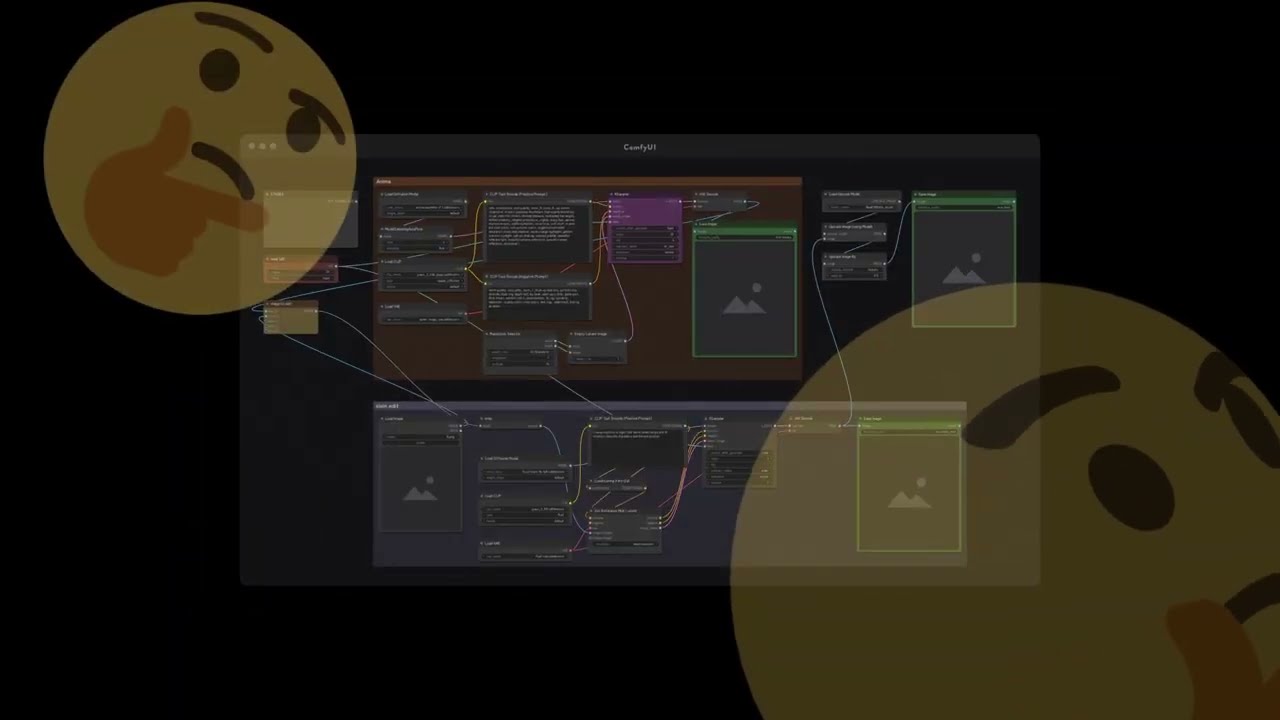
A skill that rebuilds ComfyUI workflows so they are easy to read (Readable Node).
It doesn't just tidy up the layout with a script. The AI takes the workflow apart and works out what it does. A workflow that packs several tasks into a single file is split into separate workflows, one per task, and each is rebuilt from scratch following the rules below.
It preserves what the original workflow does as much as possible, while replacing custom nodes with core nodes and rebuilding parts more simply where it can, making the workflow more robust without changing its purpose.
It also works when you ask an AI to build a new workflow from scratch.
What Readable Node is
Here, "easy to read" means you can tell at a glance what the workflow does, it runs reliably, and it is easy to rework. It follows six rules:
- Don't hide nodes
Expand subgraphs, open collapsed nodes, and don't overlap nodes. - Don't hide wires
Turn wireless links (Set/Get, Anything Everywhere, hidden wires, etc.) back into wires. Avoid so-called Bento layouts, which pack nodes tightly together, since they hide the wires too. - Left to right
Flow from left to right in processing order. - One workflow, one task
A workflow does one thing the user wants to do. - Keep custom nodes to a minimum
What can be built with core nodes is built with core. - Color appropriately
Color shows which function a node belongs to.
Install
Choose the method for the app you use.
Note: don't install it both as a plugin and with npx, or you'll end up with two copies of the skill.
Claude desktop app
- In Settings → Customize → Plugins, choose + Add → Add marketplace → Add from a repository
- Enter
nomadoor/comfyui-readable-node - Click + on
comfyui-readable-node
Claude Code (CLI)
In a terminal, run:
claude plugin install comfyui-readable-node --marketplace nomadoor/comfyui-readable-node
ChatGPT desktop app (Codex)
- Open Plugins and click Add to open Add plugin marketplace
- Enter
https://github.com/nomadoor/comfyui-readable-node.gitin Source. Leave Git ref and Sparse paths empty - On the Personal tab, click + on
comfyui-readable-node
Codex CLI
In a terminal, run:
codex plugin marketplace add nomadoor/comfyui-readable-node
codex plugin add comfyui-readable-node@comfyui-readable-node
Other agents (Gemini CLI, Cursor, GitHub Copilot, etc.)
In a terminal, run the following. Requires Node.js 22.20 or later.
npx skills add nomadoor/comfyui-readable-node -g
The skill's scripts need Python 3 (standard library only).
Usage
Start ComfyUI first. The skill reads the node information from the running ComfyUI.
Ask your agent, for example:
- "Make
my_workflow.jsonreadable with Readable Node. ComfyUI is running at http://127.0.0.1:8188." - "Build a Text to Image workflow for Flux with Readable Node."
To make sure the skill is invoked, type
/comfyui-readable-node(/comfyui-readable-node:comfyui-readable-nodewhen installed as a plugin).- "Make
Open the finished workflow in ComfyUI and check it.
A workflow of about 25 nodes takes around 10 minutes. A large workflow can take 20 to 40 minutes.
What you get
- The rebuilt workflow: a
.jsonfile with_readableappended to the original name. The original file is not overwritten. - report.html: open it in a browser to watch the AI rebuild the workflow and read an explanation of the result.
- Original: compare with the original workflow.
- Rebuilt: replay the AI's moves on a timeline, one step at a time.
- Walkthrough: the finished workflow explained part by part.
Recommended AI models
Reading a workflow and rebuilding it cleanly is far more demanding than it looks, so use the strongest model you can.
- Claude Opus 5.5: the skill was developed with it, and it's my top recommendation.
- GPT 6.1 / 6.0 Astra also work, but the layout may still have a few issues.
What the skill reads
- Your local ComfyUI, to see which nodes are installed.
- Workflows on Comfy with ComfyUI, which it may use as a reference for how to build workflows.
Reporting problems
If a rebuilt workflow is wrong or hard to read, let me know in an issue. A workflow may contain your prompts and folder paths, so remove anything you don't want to share publicly before attaching it.
Author
nomadoor. I run Comfy with ComfyUI, a site that explains the basics of ComfyUI. This skill is built on more than 400 workflows published there.
License
MIT
Releases