 A
Changelog
Portals on Your Runner
Portals, which you know and love from using them in orbs, now work on your local machines too.
You can ask Amp to start a dev server or build a website on your machine and open it from the thread's Portal tab, regardless of where you are.
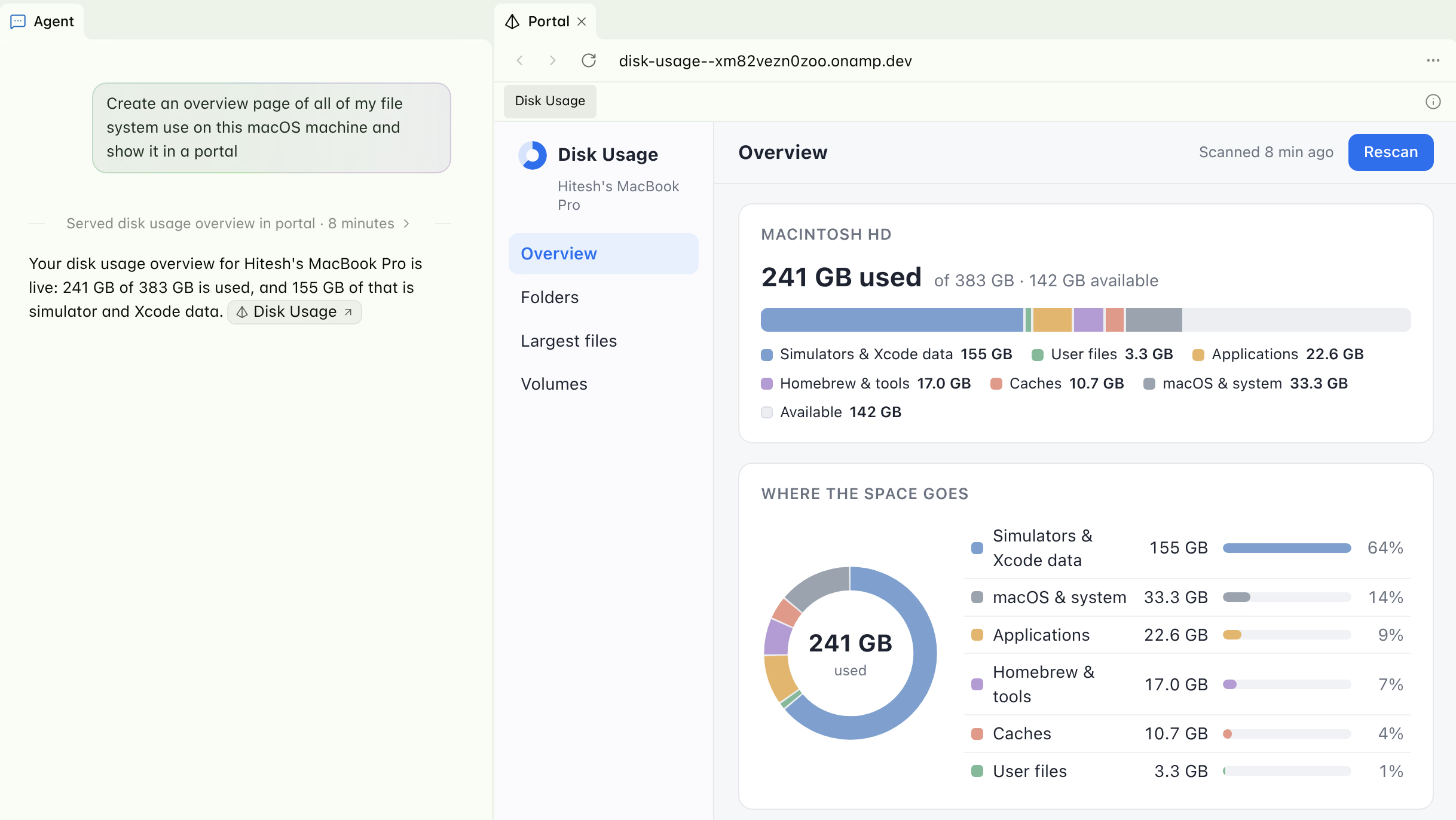
Turn on Allow Portals under Settings › Runner in the macOS app, or start your runner with amp --no-tui --remote-control-portals.
Portals on your runner are only accessible to you. To share them with your workspace, start a shared runner with --share, or turn on Share With Workspace in the macOS app, and everyone in the workspace can open its portals.
Read Portals on Your Runner for more details.