
Pack · #46 trending skills repo · ↗ +609 stars this week
Bama
daveebbelaar/bama
BAMA: Build Any Mac App. Agent skills to research, clone, design, build, optimize, and test native macOS apps with Swift and SwiftUI.
- Stars
- 1.7k
- This week
- +609
- Forks
- 204
- Open issues
- 1
- Skills inside
- 21
Get started
Install the skills
npx skills@latest add daveebbelaar/bamaInstalls into Claude Code, Codex, Cursor, OpenCode and the other agents it finds on your machine.
/plugin marketplace add daveebbelaar/bama
/plugin install bama@bamaRun inside Claude Code, then pick what to install from /plugin.
git clone --depth 1 https://github.com/daveebbelaar/bama.git /tmp/bama
cp -r /tmp/bama ~/.claude/skills/bamaClaude Code reads ~/.claude/skills/ (or .claude/skills/ in a project). Other agents read the same SKILL.md format from their own skills folder.
Inside this repo
21 skills
skills/code/agent-cliimprove-architectureArchitecture check-in for a growing macOS Swift codebase. Finds hot spots, proposes deeper modules, and refactors one step per commit with behavior proven unchanged. Use at the end of a milestone, before a big feature, when a file passes 600 lines, when one feature touches many files, when bugs repeskills/code/improve-architectureos-integrationsDeep macOS integrations for a native app, such as global hotkeys, menu bar items, floating panels, window control with Accessibility, screen capture and recording, clipboard, Shortcuts and Spotlight, URL schemes, login items, a CLI, and the permissions each one needs. Use when an app must reach outsskills/code/os-integrationsperformanceMake a macOS app fast by measuring hangs, stutter, CPU, memory, and energy, then moving work off the main thread and onto the GPU. Use when the app freezes, a shortcut feels slow, dragging stutters, the fan spins, memory grows, or the user asks to optimize or profile.skills/code/performanceswift-swiftuiSwift 6 and SwiftUI code rules for macOS apps, including concurrency, state, SwiftData, AppKit bridges, and fixes for common compiler errors. Use when writing, reviewing, or debugging Swift code in a Mac app, or on concurrency, Sendable, or "not in scope" errors.skills/code/swift-swiftuiapp-iconLiquid Glass macOS app icon made as an Icon Composer file (Icon/AppIcon.icon, JSON plus SVG layers), compiled with actool, and reviewed in every look with ictool. Use when the user wants an app icon, a better icon, or a Dock icon.skills/design/app-icondesign-from-appRebuild the look of an app the user likes as a native SwiftUI design kit, by measuring its screenshots (sizes, spacing, type, colors, icons), building its parts, and comparing pixel by pixel until they match. Use when the user names an app whose look they want, shares screenshots of one, or says "maskills/design/design-from-appdesign-kitCustom design system for a macOS SwiftUI app with its own parts, not Apple's, covering three token layers, type, an icon set, every part in every state, custom window chrome, a parts gallery, and checks. Use when the user wants the app to have its own look and feel, a brand, or custom buttons, rows,skills/design/design-kitdesign-systemAccent color and design system for a macOS app, from the app's accent and the accent picker in Settings to Swift tokens in code plus a design/DESIGN-SYSTEM.md that says which token to use when. Use when the user wants a brand or accent color, wants people to pick a color, when an app has more than askills/design/design-systemlayout-gridGrid and alignment rules for a macOS SwiftUI app, with three checks that catch misalignment (a lint for off-grid numbers, a layout probe that measures real frames in snapshot mode, and a grid overlay). Use when building or reviewing a custom page, card, row, form, or sheet, after every build that toskills/design/layout-gridmac-designDesign rules that make a SwiftUI app look and feel like a native Mac app on macOS 26 and later, from Apple's eight design principles to Liquid Glass, layout, toolbars, menus, search, keyboard, type, color, and dark mode. Use when building or reviewing any window, sidebar, toolbar, menu, panel, or seskills/design/mac-designux-designUX pass for one feature of a macOS app, covering names, flow, where it opens (inline, popover, sheet, window, alert), states, words, hover help, accessibility, and AI features. Use before coding a story that adds a screen, an action, or text, when user-stories or improve-loop call it, or when the usskills/design/ux-designcloneWalk through any existing app (native Mac app with computer use, web app with a browser), screenshot every screen, menu, and dialog, write a screen index, and turn it into user stories. Use when the user wants to clone, rebuild, replace, or copy the design of an app, or says "screenshot every screenskills/plan/cloneresearchOnline research for a macOS app before building it, run as parallel researcher subagents, saved to docs/research/. Use when the user asks what to build, which features matter, how the best apps in a category work, how a macOS API or integration works, or wants a feature comparison.skills/plan/researchuser-storiesPrioritized backlog of user stories with checkable acceptance criteria (docs/STORIES.md) for a macOS app, built from a brief, research, or screen index. Use after app-brief or clone, or when the user asks for user stories, a backlog, a feature list, or "what do we build first".skills/plan/user-storiesbuild-and-verifyBuild a SwiftUI macOS app from the command line, install it, and check light and dark window snapshots of every page before calling a change done. Use after any UI code change, when a build fails, or when the user asks to run, screenshot, or check the app.skills/ship/build-and-verifyimprove-loopAutonomous loop that works through docs/STORIES.md one story at a time for a macOS app, building, snapshotting, comparing against reference screenshots, fixing, and committing, until a milestone is done. Use when the user says "keep going", "work through the backlog", "make it match the reference", skills/ship/improve-looptest-mac-appTest a macOS app at three levels, from Swift Testing unit tests and an in-app self-test to a debug bridge that lets an agent drive the running app and read its state, plus computer use for real clicks. Use when adding logic, fixing a bug, before a release, or when the user asks for tests, end-to-endskills/ship/test-mac-appapp-briefOne-page brief (docs/BRIEF.md) for a new macOS app, written before any code. Use when the user has an app idea, wants to replace an app they pay for, or the research and clone skills are done.skills/start/app-briefbamaBuild any Mac app. Start here to pick the next skill for a native macOS app.skills/start/bamanew-mac-appCreate a native macOS SwiftUI app from a working template (Swift package, SwiftData, build script, icon script, snapshot mode, git), with no Xcode GUI. Use when the user wants to start a new Mac app or scaffold a macOS project.skills/start/new-mac-appDocumentation
README
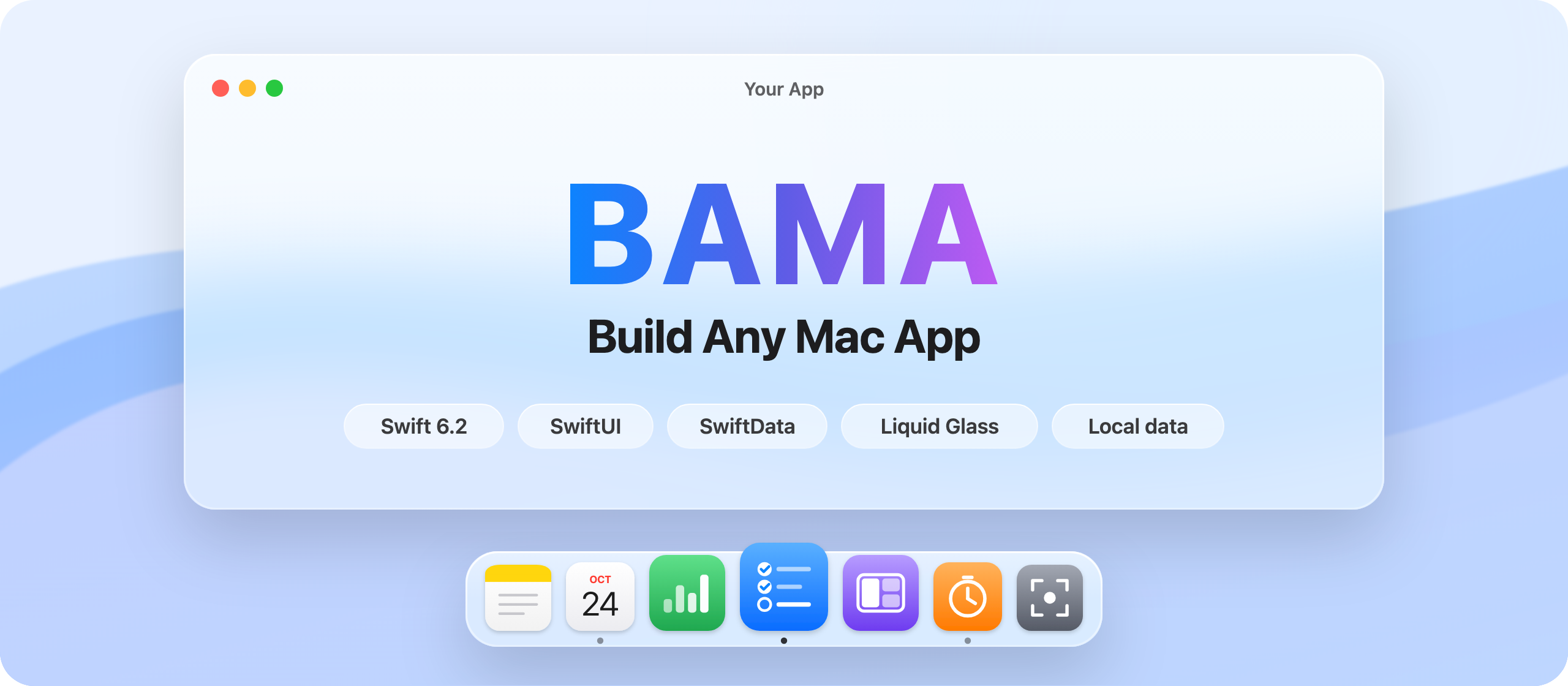
See an app you like. Rebuild it as your own native Mac app.
Agent skills that take a native macOS app from idea to your Dock.
Swift and SwiftUI. Local data. No Xcode GUI.





Quick start · How it works · Skills · Specs · Install
On Windows? Use BAWA: Build Any Windows App instead.
Quick start
npx skills@latest add daveebbelaar/bama
Then ask your agent:
Clone my to-do app as a native Mac app.
Screenshot every screen, write the user stories, and build milestone 1.
Not sure where to start? Type /bama. It looks at your project and picks the next skill.
How it works
1. Clone Your agent opens the app you like and screenshots every screen. It writes a screen index. |
2. Plan It turns the screens into user stories with checkable acceptance criteria, in milestones. |
3. Build It builds one story per commit. Before each commit it snapshots every page in light and dark mode and runs the tests. |
Skills
| Stage | Skill | What it does |
|---|---|---|
| Start | bama | Router: finds where you are and calls the right skill |
| app-brief | Turns an idea into a one-page brief | |
| new-mac-app | A working app from a template: Swift package, SwiftData, build script, snapshot mode, git | |
| Plan | research | Parallel researcher agents: market, users, features, design, macOS APIs |
| clone | Screenshots every screen of any app with computer use or a browser, writes a screen index | |
| user-stories | A backlog with checkable acceptance criteria, in milestones | |
| Code | swift-swiftui | Swift 6 concurrency, state, SwiftData, AppKit bridges, compiler errors |
| os-integrations | Global hotkeys, menu bar, floating panels, window control, screen capture, Shortcuts, URL schemes, CLI, permissions | |
| performance | Measure, then fix: main thread, GPU compositing, images, Instruments from the command line | |
| improve-architecture | Finds hot spots as the app grows and refactors one step per commit, with behavior proven unchanged | |
| agent-cli | Optional: a command line and MCP server, so Claude Code, Codex, and scripts can drive your app | |
| Design | ux-design | Names, flow, where each feature opens (inline, popover, sheet, window), words, and accessibility, before code |
| mac-design | Liquid Glass, layout, toolbars, menus, keyboard, type, dark mode | |
| design-system | Native look with an accent color people pick in Settings, then one set of tokens and one rules page | |
| layout-grid | A 4 pt grid with checks that fail on misalignment: a code lint, a layout probe in snapshot mode, and a grid overlay | |
| design-kit | Your own parts, not Apple's: three token layers, type, an icon set, every part in every state, custom window chrome, and a parts gallery | |
| design-from-app | Rebuilds the look of an app you like from its screenshots: measures sizes, type, and colors, then compares pixel by pixel until it matches | |
| app-icon | A Liquid Glass icon written as an Icon Composer file, checked in every look | |
| Ship | build-and-verify | Build, install, snapshot every page in light and dark, look at them |
| test-mac-app | Swift Testing, an in-app self-test, a debug bridge an agent can drive | |
| improve-loop | Works through the backlog one story per commit until a milestone is done |
Specs
Not sure what to build? specs/ has 12 build plans for small Mac apps: a window snapper, a window switcher, a launcher, clipboard history, screenshots, a screen recorder, and more. I took them apart from Onyx, my own menu bar app. Copy one into an empty folder and tell your agent:
Build the app in window-snapper.md with BAMA.
Install
Pick one route per agent. Two routes install every skill twice.
Claude Code
/plugin marketplace add daveebbelaar/bama
/plugin install bama@bama
To get new versions, run this in your shell, then start a new session:
claude plugin marketplace update bama
claude plugin update bama@bama
To update on its own: run /plugin, open Marketplaces, select bama, and select Enable auto-update.
Codex
codex plugin marketplace add daveebbelaar/bama
codex plugin add bama@bama
Any other agent (Cursor, Gemini CLI, Copilot, and more)
Uses skills.sh. Install all skills, or one with --skill.
npx skills@latest add daveebbelaar/bama -a <agent>
npx skills@latest add daveebbelaar/bama --skill=clone
By hand
git clone https://github.com/daveebbelaar/bama.git
bama/scripts/link-skills.sh       # links every skill into ~/.claude/skills and ~/.agents/skills
Requirements
- macOS 26 or later
- Xcode 26 or later, for the Swift 6.2 toolchain (you never open it)
- An agent that supports skills: Claude Code, Codex, Cursor, Gemini CLI
- For
cloneon native apps: computer use (Claude Pro or Max)
Credits
- The idea and the "any" promise come from REA: Reverse Engineer Anything by morluto. REA showed that an agent can reverse engineer any app. BAMA takes that idea to the Mac.
- Skill format and writing rules follow Matt Pocock's
skills and his
writing-for-agentsskill. - Works well with SwiftUI Pro by Paul Hudson and SwiftUI Expert by Antoine van der Lee.
License
Releases