
Server · #322 trending MCP repo · ↗ +5 stars this week
Wassermans Filmmaker Suite
wassermanproductions/wassermans-filmmaker-suite
Wasserman's Filmmaker Suite — ScriptBreak, Cork Board, Master Canvas, Blockout, Motion Previs Studio, Storyboard Reference Studio, Circle Take, Stem Studio, and the Unofficial DaVinci MCP: AI-native filmmaking from script to final mix.uggested Donation of $30 if you you can to help me keep making these tools.https://ko-fi.com/samwasserman
- Stars
- 164
- This week
- +5
- Forks
- 25
- Open issues
- 0
- Last push
- 30d ago
Documentation
README
Wasserman's Filmmaker Suite
Ten tools and an 80s Horror LoRA for AI-native filmmaking — from the script to the final mix.
Break down the script, structure the story, plan the picture, block the scene, match real motion, board the look, craft every prompt, circle the takes, split the sound, and finish the cut. Each app stands alone; together they cover the whole script-to-post loop around modern video generators.



 ScriptBreakScript. Import a screenplay and get scenes, elements, character and location bibles, shot lists, and a timeline — then export self-executing prompt packs for any LLM and any video/image generator. No API keys. |
 Cork BoardStructure. Pin scenes as index cards on a local-first wall, drag them between acts and arcs, tag characters and locations, and export the whole board as an outline, scene list, or Fountain scaffold. Works for a short, a music video, a feature, or a multi-episode series. |
 Master CanvasPlan. A local-first pre-production canvas for AI video — plan prompts, boards, and assets in one place, then hand a complete package to your generator or on into the suite. |
 BlockoutPrevis. Stage a scene in minutes, choreograph camera and cast against marks the way real sets work, and export a motion-reference package (video + depth pass + stills + tailored prompt) that Seedance, Veo, Kling, LTX, and Wan can't misread. |
 Motion Previs StudioMotion capture from footage. Turn any clip into usable previs data — pose extraction (OpenPose/ControlNet-ready), camera solve, depth — and hand the result straight to Blockout as a reference underlay. |
 Storyboard Reference StudioBoards. Turn any reference imagery into a working storyboard — auto-detect shots from clips, reframe with guides, draw camera-move annotations, fill shot metadata, then export animatics, PDF boards, shot lists, and matched prompts for Midjourney, Flux, SDXL, and more. |
 Circle TakeDailies. Every generated take, organized by shot and gated by local AI quality checks — identity drift, flicker, broken hands, color continuity. Compare, circle the winners, print selects to your editor, and get a reshoot list carrying the exact prompt and seed for everything that failed. |
 Stem StudioSound. Split a married mix into sample-aligned dialogue, music, and effects stems — NLE-ready WAVs or a multitrack MOV — entirely on your machine. |
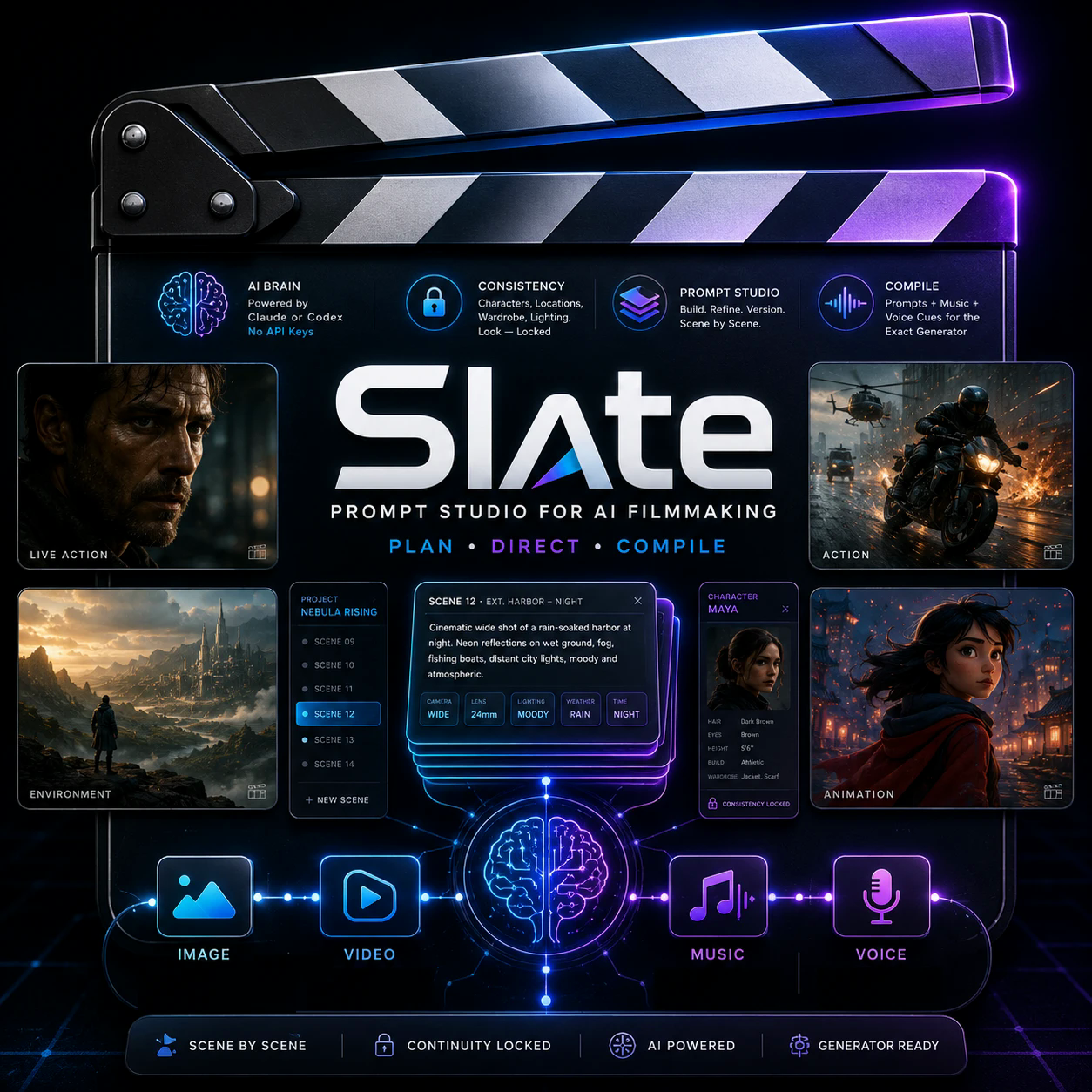 SlatePrompt. The prompt studio for AI filmmaking — plan shots scene by scene, keep characters, locations, and look locked across the film, direct coverage, music, and voices with a local AI brain (your own Claude Code or Codex sign-in — or any local model via Ollama, LM Studio, vLLM…, no API keys), then compile production-ready prompts for any video, image, music, or voice generator. MCP built in. |
 Unofficial DaVinci MCPEdit and finish. Let any AI agent run DaVinci Resolve: beat-synced cuts from footage and a song, seamless music shortening, reference color matching with self-judging quality gates, transcript-driven dialogue tightening, captions, and broadcast-loudness QC. Works with Resolve Studio and the free edition. |
 Call SheetRun the lot. Mission control for the whole suite from your menu bar — every app with its icon, version, and one-click launch, hourly update watch against GitHub releases, and your recent projects across Slate, ScriptBreak, and Circle Take merged newest-first. |
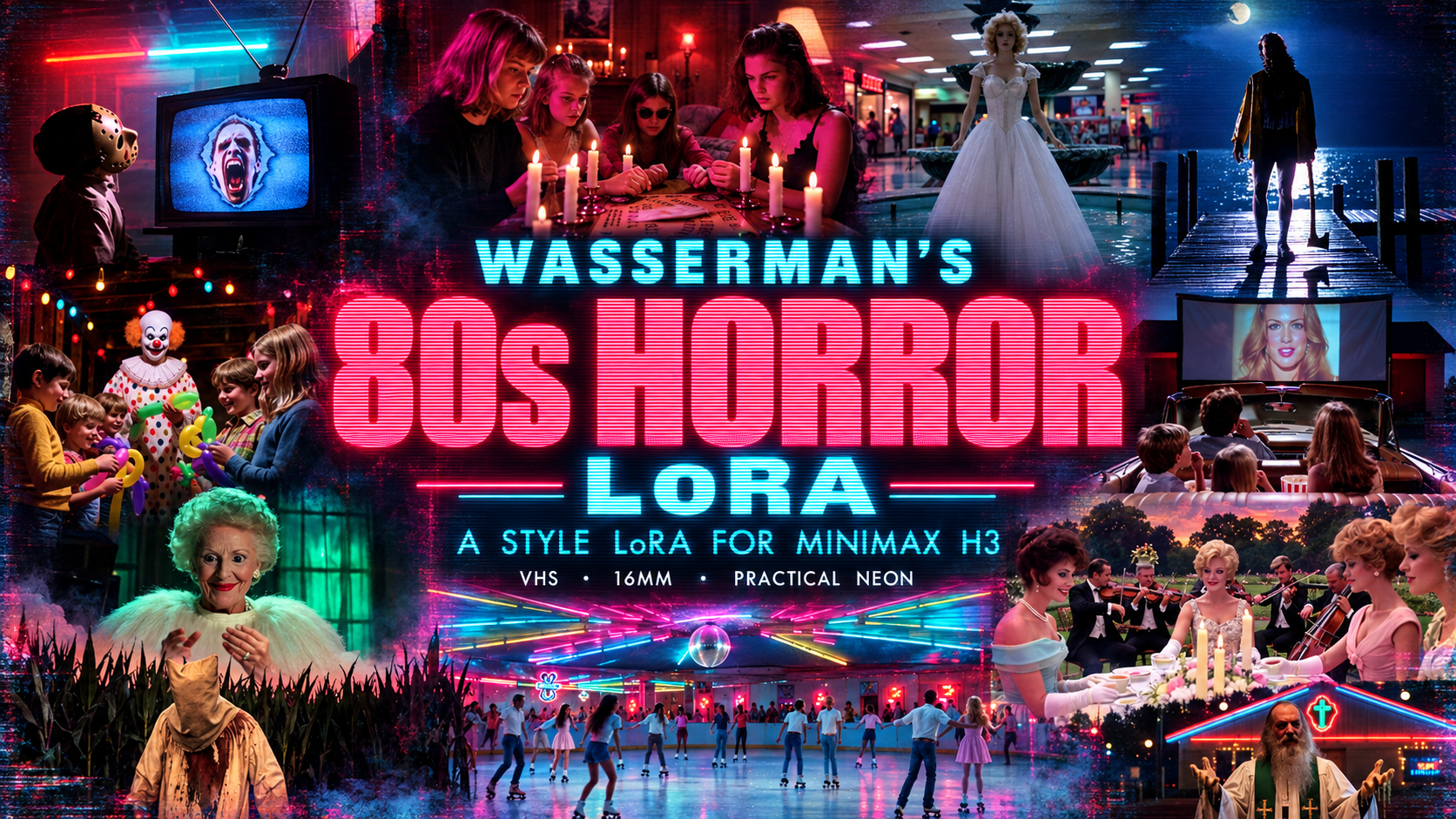 Wasserman's 80s Horror LoRAGenerate. A style LoRA for the MiniMax H3 video model: start any prompt with |
Install the whole suite (macOS)
One line installs the whole nine-tool suite — the latest release of every desktop app, straight to /Applications:
curl -fsSL https://raw.githubusercontent.com/wassermanproductions/wassermans-filmmaker-suite/main/install.sh | bash
It installs ScriptBreak, Cork Board, Master Canvas, Blockout, Motion Previs Studio, Storyboard Reference Studio, Circle Take, and Stem Studio, and points you to the Unofficial DaVinci MCP readme to wire that one up. Each app also installs individually from its own repo.
How they fit together
- ScriptBreak — break down the screenplay: scenes, elements, bibles, shot lists, prompt packs.
- Cork Board — structure the story on the wall: index cards across acts and arcs, exported as an outline, scene list, or Fountain scaffold.
- Master Canvas — plan the picture: prompts, boards, and assets as one handoff package.
- Blockout — block the scene, choreograph camera and cast, export the motion reference.
- Motion Previs Studio — pull real motion and camera moves from footage; send references into Blockout.
- Storyboard Reference Studio — turn references into boards, shot lists, animatics, and generator-ready prompts.
- Slate — turn the plan into continuity-locked, production-ready prompts for video, image, music, and voice generators, with local AI assistance and MCP handoffs.
- Wasserman's 80s Horror LoRA — generate the shot in MiniMax H3 with a 1970s–80s horror look, VHS or 16mm, from one trigger word.
- Circle Take — review the generated takes: local quality gates, side-by-side compare, circled selects, and reshoot lists with the exact prompts.
- Stem Studio — split temp mixes and delivered audio into clean dialogue / music / effects stems.
- Unofficial DaVinci MCP — assemble, cut to the beat, match color, and QC the mix in DaVinci Resolve, agent-driven end to end.
Across the whole workflow: Call Sheet keeps the suite together from the macOS menu bar — launch every app, see installed versions and available updates, download missing tools, and jump back into recent Slate, ScriptBreak, and Circle Take projects.
Every app is agent-drivable: each ships an MCP server, so Claude Code, Codex, Hermes, or any MCP client can stage scenes, run analyses, and pull exports for you. See each repo's mcp/README.md.
Platforms
The desktop apps run on macOS (Apple Silicon); Blockout, Motion Previs Studio, and Stem Studio also ship native Windows 11 installers, and Cork Board runs on macOS, Windows, and Linux. The DaVinci MCP runs anywhere DaVinci Resolve does. The 80s Horror LoRA runs in ComfyUI anywhere MiniMax H3 does.
Also from Wasserman Productions
- Sam PDF Studio — a native macOS PDF editor: edit text in place with matching fonts, annotate, merge, and sign.
All apps are open source under Apache-2.0.
Created by Sam Wasserman — wassermanproductions.com · wasserman.ai
Windows support contributed and maintained by Gumbii Digital (github.com/GumbiiDigital).
Support
A few people asked if they could send tips to support my work developing open source tools. So I set up an optional way in case anyone wants to.
No pressure at all. Using the apps, sharing them, starring the repositories, and contributing code all help too. Thank you.