
Server · #384 trending MCP repo · ↗ +1 stars this week
PixelArtistry-Kimi-Game-Pipeline
pixelartistry/PixelArtistry-Kimi-Game-Pipeline
Rebuild my Kimi K3.1 game setup on Windows: Kimi Code drives ComfyUI, Blender and Godot through MCP, all assets generated locally.
- Stars
- 12
- This week
- +1
- Forks
- 1
- Open issues
- 0
- Last push
- 3d ago
Documentation
README
PixelArtistry · Kimi Game Pipeline
Rebuild the setup from my video "I Created My Own Game with Kimi K3.1 Using Only Local 3D AI (Godot + Blender)": Kimi K3.1 Pro in Kimi Code controls ComfyUI, Blender and Godot through MCP, and every image and 3D asset is generated locally on Windows.
▶ The full story, with screenshots: https://pixel-artistry.com/blog/kimi-game-pipeline/ ▶ Full guide: https://pixelartistry.github.io/PixelArtistry-Kimi-Game-Pipeline/ ▶ Video: TODO: add the video link · PixelArtistry on YouTube
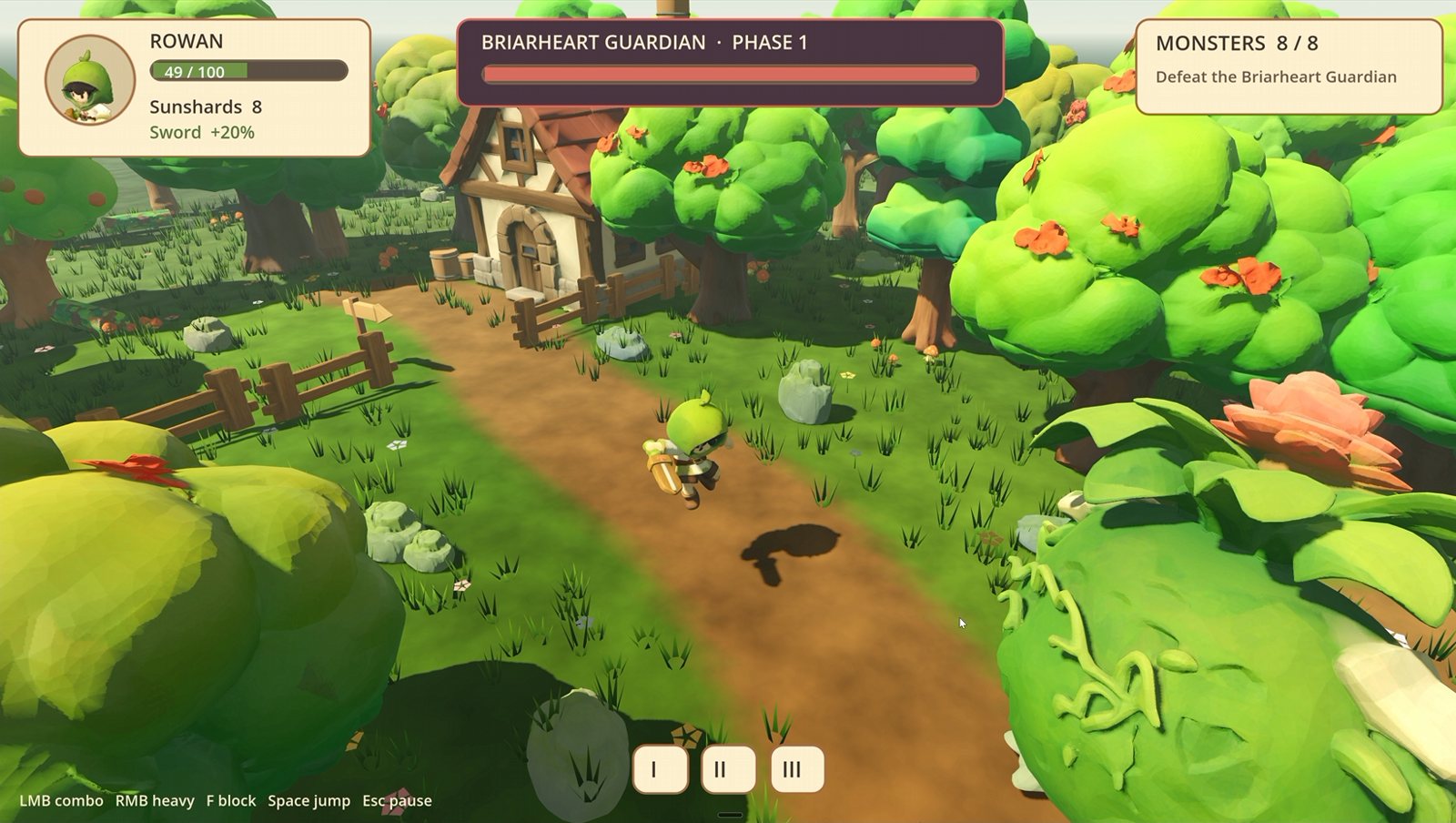
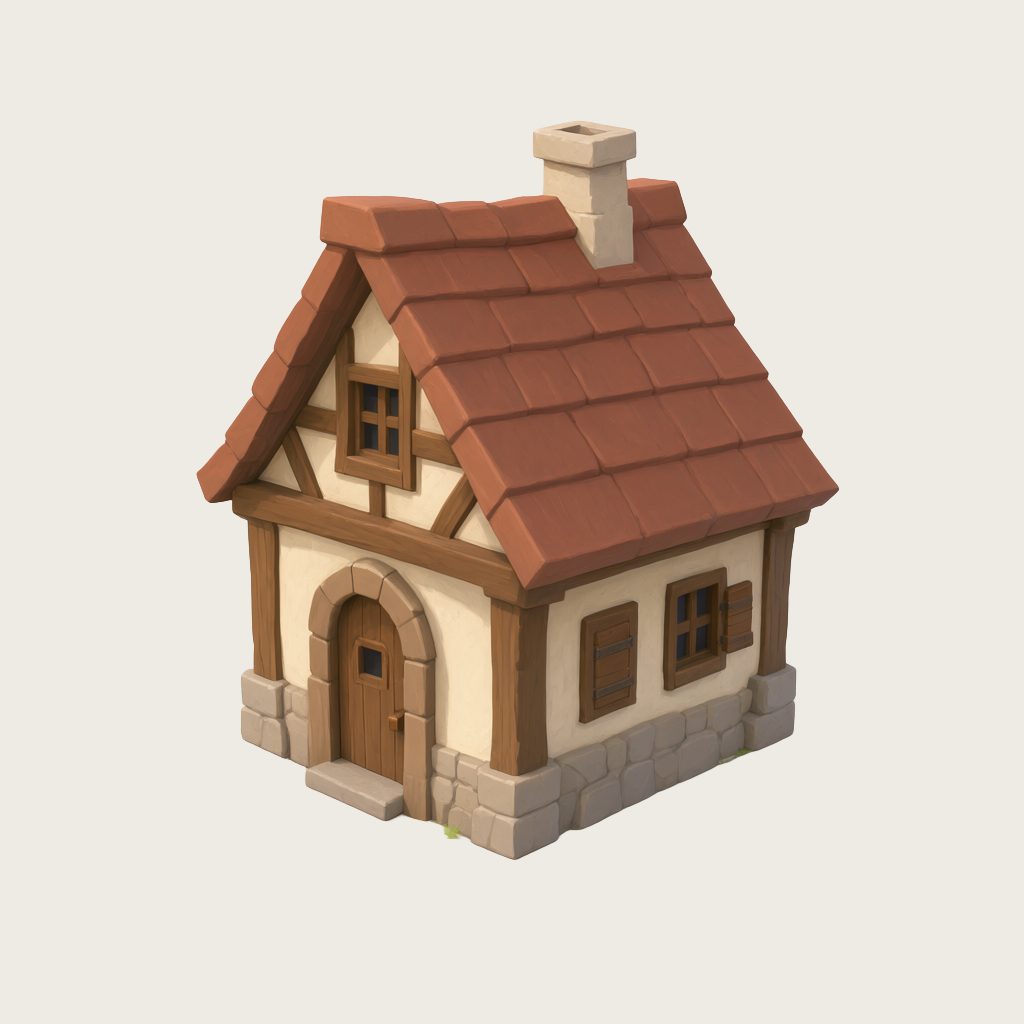
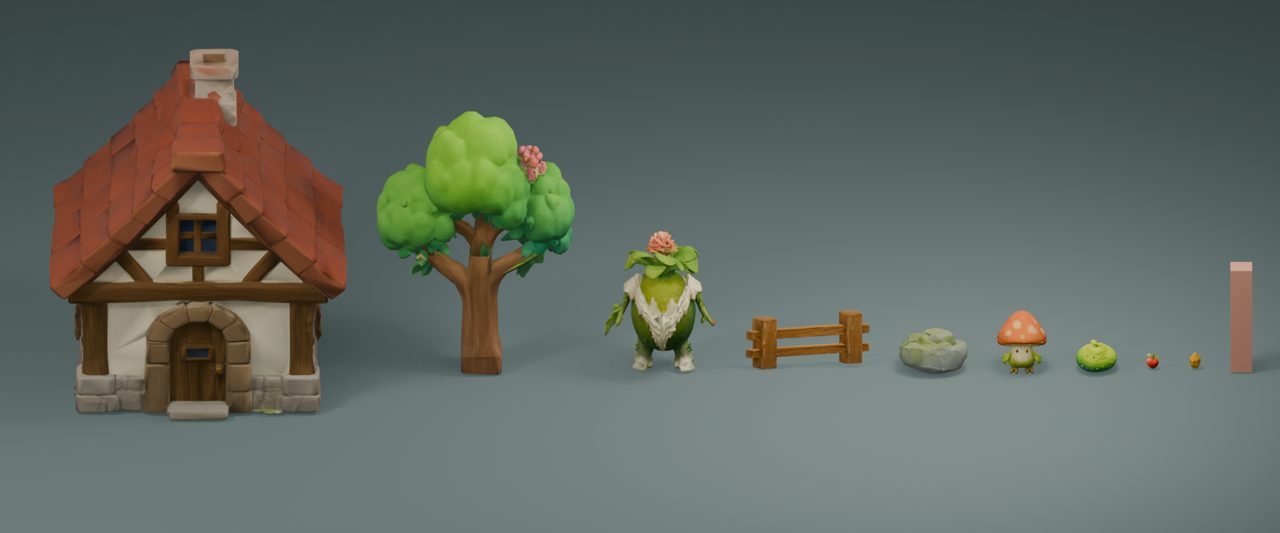
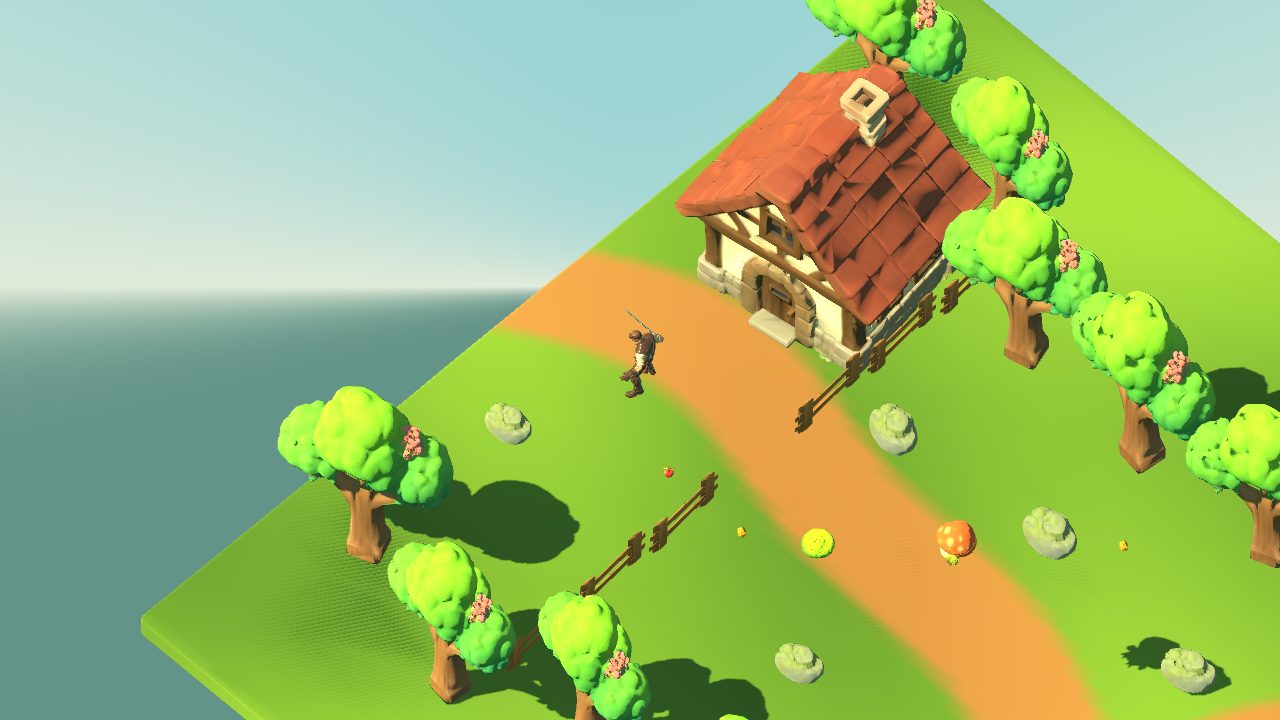
From concept to game
| Concept | 3D props | First level | Finished game |
|---|---|---|---|
 |
 |
 |
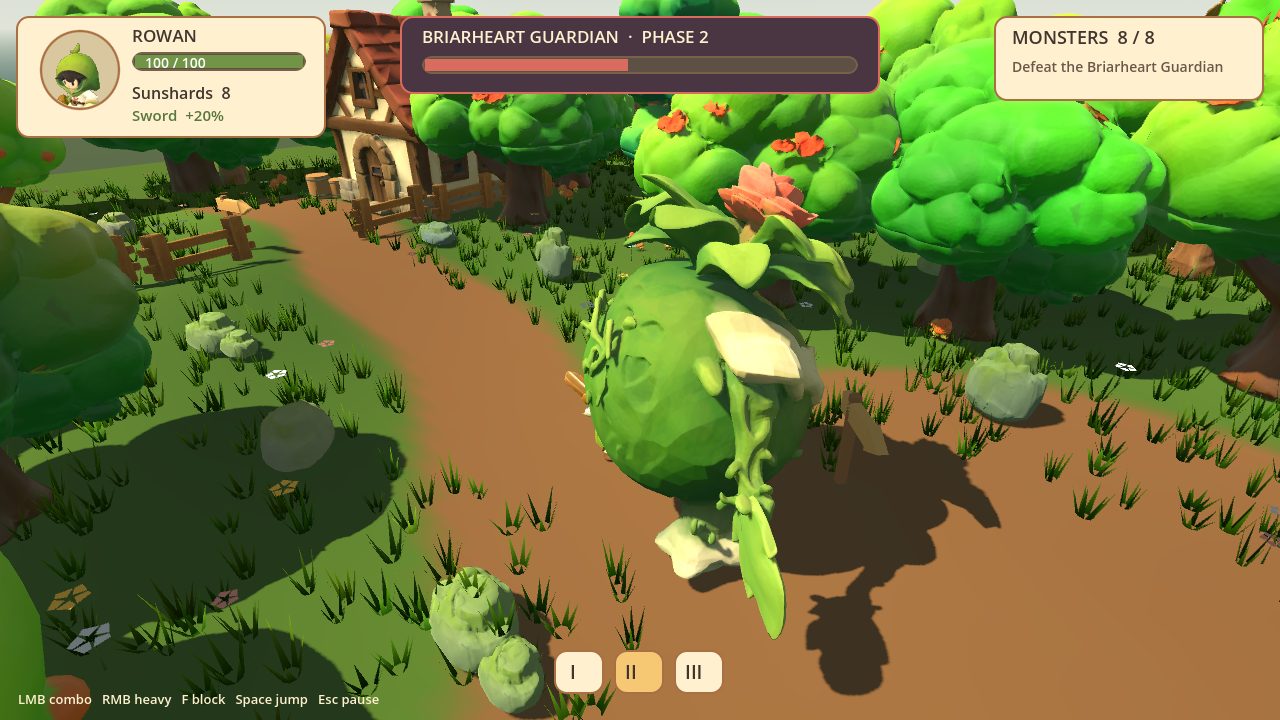 |
More work-in-progress and final screenshots are in the guide.
The pipeline
                 Kimi K3.1 Pro in Kimi Code  (reads my prompts, drives the apps through MCP)
                   │               │                 │                  │
                   ▼               ▼                 ▼                  ▼
  Concept images ──► Image to 3D ──────► Blender cleanup ──► Godot game
  Qwen Image 2.1     TRELLIS.2/Pixal3D   size, pivot,        level, gameplay,
  (ComfyUI)          + UltraTex (ComfyUI) collision, GLB      automated playtest
The only step I did by hand was rigging and animating the hero, in ActionForge.
Hardware
- Windows 10/11, NVIDIA RTX GPU
- 8 GB VRAM or more, 12 GB+ is comfortable. The 3D steps peaked at about 7–9 GB in my tests. I built the game on an RTX 5080 (16 GB).
- 32 GB RAM recommended, plenty of free disk space for the models
- A Kimi plan that includes K3.1 Pro
Quick start
[!IMPORTANT] No ComfyUI yet? Start with my TRELLIS.2 Installation Guide. It walks you through ComfyUI-Easy-Install and TRELLIS.2 step by step, and the workflows in this repo build on that setup.
- Install the Kimi Code CLI (PowerShell), log in, and pick K3.1 Pro with
/model:
K3.1 Pro Highspeed is faster but costs 2× the usage.irm https://code.kimi.com/kimi-code/install.ps1 | iex kimi login - Copy
config/mcp.example.jsonto%USERPROFILE%\.kimi-code\mcp.jsonand replace the placeholder paths. - Install the ComfyUI nodes and models: requirements.
- Copy the
workflowsintoComfyUI\user\default\workflows\Kimi\. - Start ComfyUI, start Blender with the MCP add-on's server, run
kimi, then type/mcp: comfyui, blender and godot should be connected. - Work through the prompts in order.
Step-by-step instructions, troubleshooting and tips are on the guide site.
What's in this repo
| Path | What it is |
|---|---|
workflows/Kimi_Concept_QwenImage21_API.json |
Concept images with Qwen Image 2.1 (API format) |
workflows/Kimi_T3e_Rowan_QwenEdit2511.json |
Hero concept → T-pose with Qwen Image Edit 2511 |
workflows/Kimi_LowPoly_GameAsset.json |
Image → low-poly game asset (Pixal3D + UltraTex) |
workflows/Kimi_LowPoly_GameAsset_TRELLIS2.json |
The same with TRELLIS.2, 1024, fast profile |
config/mcp.example.json |
Kimi Code MCP config with placeholder paths |
docs/ |
The guide site (GitHub Pages) |
What Kimi changed in my workflow
Kimi started from my PixelArtistry_05p_Image_to_LowPoly_Prop_UltraTex workflow and tested one change at a time:
| Setting | My original | Kimi's version |
|---|---|---|
| LODTailor high-poly cap | 6,000,000 tris | 50,000 tris |
WTiVo final_res |
1536 | 1024 |
| Final low-poly target | 2k tris | 4k tris |
The game project and the generated assets are not part of this repo; only screenshots are (docs/images).
Licences
The models have their own licences. The weights of Qwen Image 2.1 (Qwen Research License) and FLUX.2 [klein] base 9B, used by UltraTex (FLUX Non-Commercial License), are non-commercial, but the images and textures you generate can be used commercially: BFL's licence says so, and Qwen confirmed on X that outputs aren't part of the licensed materials. I'm not a lawyer, so read the licences yourself and make your own call before using the results commercially. Details are on the ComfyUI page.
Node packs by MostAadTech (GitHub · YouTube): WTiVo, LODTailor, Quad Reconstruct, Memory Cleaner and the UltraTex GGUF nodes. Please support him.
Links
- Kimi K3.1 Pro · Kimi Code · Kimi Code CLI docs
- My channel: youtube.com/@PixelArtistry_
- My other repos: Animated-Characters · Watertight-Meshes · UltraTex · Image-to-3D-Print · Pixal3D-Multiview · MoCapAnything